How to Design Skills Based Routing in Salesforce Without Overloading Admins

Skills-based routing sends each case or lead to an agent with the right skill, rather than the next person in the queue. Salesforce Omni-Channel supports it, matching on skills and capacity. Where teams outgrow it is combining skill with language, territory, availability, and SLA in one decision, and doing so without admins rebuilding routing in Flow every time the org changes.
Many teams misjudge the true complexity of implementing skills-based routing in Salesforce. The ambition for perfect, granular routing often leads to an exhaustive list of skills that ignores the long-term management burden. This is not a technical challenge but a design one. The result is a brittle system that demands constant admin intervention for every minor change in products, teams or processes.
This over-engineering creates a significant and unsustainable Salesforce admin workload. Instead of focusing on strategic platform improvements, admins find their time consumed by updating skill assignments and untangling complex routing rules. The routing model, once a source of efficiency, quickly becomes obsolete and a source of operational friction. The goal is not to map every conceivable skill. It is to build a resilient framework that balances precision with simple, effective governance.
What Skills-Based Routing in Salesforce Is?
Skills-based routing is a routing method that matches work to a person by their skills, such as product knowledge, language, or certification, instead of by queue position or round robin alone. In Salesforce it can run through Omni-Channel skills, or through a routing engine like Q-assign that combines skills with capacity, availability, and other attributes.
Does Salesforce Omni-Channel Support Skills-Based Routing?
Yes. Salesforce Omni-Channel supports skills-based routing: you define skills, attach them to agents, and route work to agents who hold the required skills, within capacity limits set as units. For single-skill, queue-based service in the Service Console, this works well and it is included in the license.
Omni-Channel is Salesforce's native routing engine for the contact centre. It handles real-time push delivery of cases, chats, and voice into the console, and it matches on skills and capacity. If your routing need is one skill plus a capacity cap, native Omni-Channel is often the right answer.
What Are the Limitations of Omni-Channel Skills-Based Routing?
The limits show up when one skill is not enough to decide who should own the work. Omni-Channel routes on skills and capacity, but combining skill with language, territory, customer tier, working hours, and workload in a single decision moves you into Flow and Apex, which is where the admin burden grows. A few specific places teams reach the edge:
-
Multi-factor matching. Skill plus language plus territory plus tier plus real-time workload in one routing decision is more than the native configuration was designed for, so the logic ends up in Flow.
-
Fair distribution. Omni-Channel offers Least Active and Most Available, not native round robin, so fairness-sensitive routing needs a workaround.
-
Availability and shifts. Native routing sends to anyone marked online, without calendar-based out-of-office or shift awareness, so work can land with someone about to go off shift.
-
Re-evaluation after assignment. Once assigned, work is not automatically rebalanced when capacity shifts or SLA risk rises.
-
Who maintains it. Changes live in Setup and Flow, so every new skill, team, or rule is an admin or developer task, with sandbox testing and deploy windows. This is the overload the original design was trying to avoid.
None of this means replacing Omni-Channel. It means knowing where native skills-based routing does the job and where it starts to need extending.
The Hidden Cost of Over-Engineering
The pursuit of a flawless routing model often leads teams to create an excessively detailed list of skills. This approach overlooks the hidden cost of maintenance. A system with hundreds of specific skills becomes rigid and difficult to manage. When a new product feature is released or a team member gains a new competency, an administrator must manually update the configuration. This creates a bottleneck and pulls skilled admins away from high-value work.
The direct implication is a system that is always out of date. The routing logic fails to keep pace with the business and agents are either assigned work they cannot handle or specialists are underutilised. This is not a failure of the technology but a breakdown in design. A clear signal that your system is over-engineered is when your Salesforce admin workload shifts from platform enhancement to constant rule maintenance. The objective should be a framework that is both accurate and sustainable not one that requires daily administrative care.
Establishing a Solid Foundation in Omni-Channel

A practical starting point for skills-based routing in Salesforce is the native feature within the Salesforce Omni-Channel setup. Enabling this is the foundational step that unlocks all subsequent routing capabilities. We advise beginning with a small, high-level list of skills. Focus on broad and stable categories like language, product line or support tier rather than niche technical issues that change frequently. This initial simplicity is key to building a manageable system.
Once skills are defined, you assign them to service resources – your agents – based on their core, verified competencies. The next step is to define how skill requirements are attached to incoming work items like cases. This is the core mechanism that connects a customer query to an agent with the right expertise. The primary goal here is to ensure an accurate match between the work and the worker. As Salesforce Help explains, the process involves creating skills, assigning them to agents and then adding skill requirements to a routing configuration to guide work items. This initial setup creates the baseline for a more sophisticated service cloud routing strategy.
Designing a Maintainable Skills Framework
Moving from initial setup to a long-term strategy requires a structured approach to governance. A flat, unmanageable list of skills is a common failure point. To create a maintainable Salesforce configuration, we recommend a tiered model that separates skills by their nature and stability. This creates clarity and distributes responsibility.
The core principles for this governance model are straightforward:
-
Adopt a tiered approach. Structure skills into two or three tiers. Tier 1 should cover fundamentals like language. Tier 2 can represent product families and Tier 3 can be reserved for specialised knowledge like API integration.
-
Define clear ownership. Assign business owners to skill categories. For example, a support manager owns all ‘product support’ skills while a technical lead owns ‘integration’ skills. This distributes responsibility away from a single administrator.
-
Establish a review cadence. Implement a formal process for reviewing the skills list quarterly or biannually. This prevents ‘skill creep’ where obsolete skills accumulate and ensures the framework remains relevant.
-
Document the ‘why’. Insist that every skill added to the framework has a clear, documented business justification. This simple step challenges unnecessary complexity before it enters the system.
Tiered Skills Framework ExampleTierSkill Category ExampleOwnershipReview CadenceTier 1: FoundationalLanguage (English, Spanish, German)Global Head of SupportAnnuallyTier 2: Product LineEnterprise Cloud Suite, SMB AccountingProduct Support ManagerBiannuallyTier 3: SpecialisedAPI Integration, Data MigrationTechnical Lead / Senior EngineerQuarterly
This table illustrates a tiered skills model. It separates stable, foundational skills from more dynamic, specialised ones, assigning clear ownership and review cycles to ensure the framework remains manageable and relevant.
Using Automation to Reduce Admin Workload

Salesforce Flow is the primary tool for reducing the manual work associated with skills-based routing. Instead of relying on complex and static assignment rule sets, a flow can dynamically assess incoming work items and attach the correct skill requirements automatically. This is a core principle of the effective case assignment automation strategies we design. For example, a flow can read the ‘Product Type’ field on a case and add the corresponding ‘Product Skill’ requirement without any human intervention.
This approach offers significant flexibility. When a new product is launched, a business user might only need to update a custom metadata type that the flow references. The routing logic updates itself without requiring an admin to edit the flow or rules. While building a robust flow requires more initial setup expertise than simple rules, it delivers substantial returns in scalability. It dramatically reduces long-term maintenance and frees up your Salesforce admin to focus on more strategic initiatives.
Monitoring for Fairness and Efficiency
Implementing skills-based routing is not a one-time project. Continuous monitoring is essential to ensure the system performs as intended. Omni Supervisor is the standard tool for giving managers real-time visibility into the performance of their service cloud routing model. It provides the data needed to make informed, proactive adjustments.
Managers should watch several key metrics to assess system health:
-
Queue backlogs for specific skills
-
Average wait times per skill
-
Agent workload distribution and utilisation
This data allows managers to spot bottlenecks before they impact customers. For instance, a consistently overloaded queue for a particular skill is a clear signal that more agents need training in that area. As official Salesforce resources on the topic confirm, this continuous monitoring is critical for balancing workloads and optimising performance. Insights from Omni Supervisor should feed directly back into the skills framework review process, creating a closed loop where the routing model evolves based on real-world operational data not just assumptions.
How do I route cases by skill and capacity in Salesforce?
To route by skill and capacity together, and to keep that logic out of Flow, use a routing engine that matches on multiple attributes at once. This is what Q-assign does. Q-assign is the routing and assignment engine inside Ortoo Orchestrator, the Salesforce-native workflow orchestration system. It matches each record to the right person by skill, language, territory, customer tier, and real-time capacity, and it rebalances as conditions change.
It extends Omni-Channel rather than replacing it. Q-assign can match the right agent on rich attribute logic and then feed Omni-Channel for delivery into the console, so native handles the real-time push and Q-assign handles the decision. Just as important for the admin question: the support or operations team adjusts routing logic themselves, within IT-governed boundaries, with no Flow rebuild and no deploy cycle.
-
Splunk routes IT support requests across AMER, EMEA, and APAC on region, language, and skill, using more than 200 assignment groups with their own business hours, and offers 24/7 support as a result.
-
Equativ routes cases by priority, language, skill, and time zone across six locations, with the support team adjusting the logic itself rather than IT, with 99% first-response SLA.
The design goal is the same one this post started with: get the right work to the right person, without your admins rebuilding routing every time the org changes. Native skills-based routing gets you part of the way. A multi-factor routing engine, configured by the team that owns the work, gets you the rest.
Conclusion
A successful skills-based routing in Salesforce implementation depends on disciplined design, clear governance and intelligent automation. It is a strategic framework that must balance precision with maintainability to improve service delivery without overwhelming administrators. By starting simple, building a tiered framework and using automation to reduce manual effort, organisations can create a routing system that is both effective and sustainable. For organisations looking to enhance their service operations, adopting this structured approach is the key to long-term success.
Frequently asked questions
Does Salesforce Omni-Channel support skills-based routing?
Yes. Omni-Channel matches work to agents who hold the required skills, within capacity limits. It is included in Service Cloud and works well for single-skill, queue-based routing in the console. Teams outgrow it when they need to combine skill with language, territory, availability, and workload in one decision.
What are the limits of Omni-Channel skills-based routing?
Omni-Channel routes on skills and capacity, but multi-factor matching, native round robin, calendar and shift awareness, and continuous rebalancing after assignment are not part of the native model. Adding them usually means building routing logic in Flow, which is what increases the admin burden over time.
How do I route cases by skill and capacity in Salesforce?
Use a routing engine that matches on both at once. Q-assign, the routing engine inside Ortoo Orchestrator, matches by skill, language, territory, tier, and real-time capacity, rebalances as conditions change, and can feed Omni-Channel for delivery. Operations teams configure the logic themselves within IT-governed boundaries, without a Flow rebuild.
What is the best skills-based routing for Salesforce?
It depends on complexity. For single-skill, queue-based routing, native Omni-Channel is often enough and is already included. For skill combined with language, territory, capacity, and SLA, and for routing that operations teams can change without IT, a dedicated engine like Q-assign extends what Omni-Channel provides.
Does skills-based routing overload Salesforce admins?
It can, when every skill, team, and rule change is a Flow or Setup task requiring sandbox testing and a deploy. The way to avoid that is to keep routing logic in a declarative engine that operations teams can adjust within governed boundaries, rather than in code that only admins and developers can safely change.
Can I use Q-assign and Omni-Channel together?
Yes. Q-assign matches the right agent on rich attribute logic, then feeds Omni-Channel for real-time delivery into the Service Console. Native handles the push; Q-assign handles the decision. This extends your existing Omni-Channel setup rather than replacing it.
Related insights
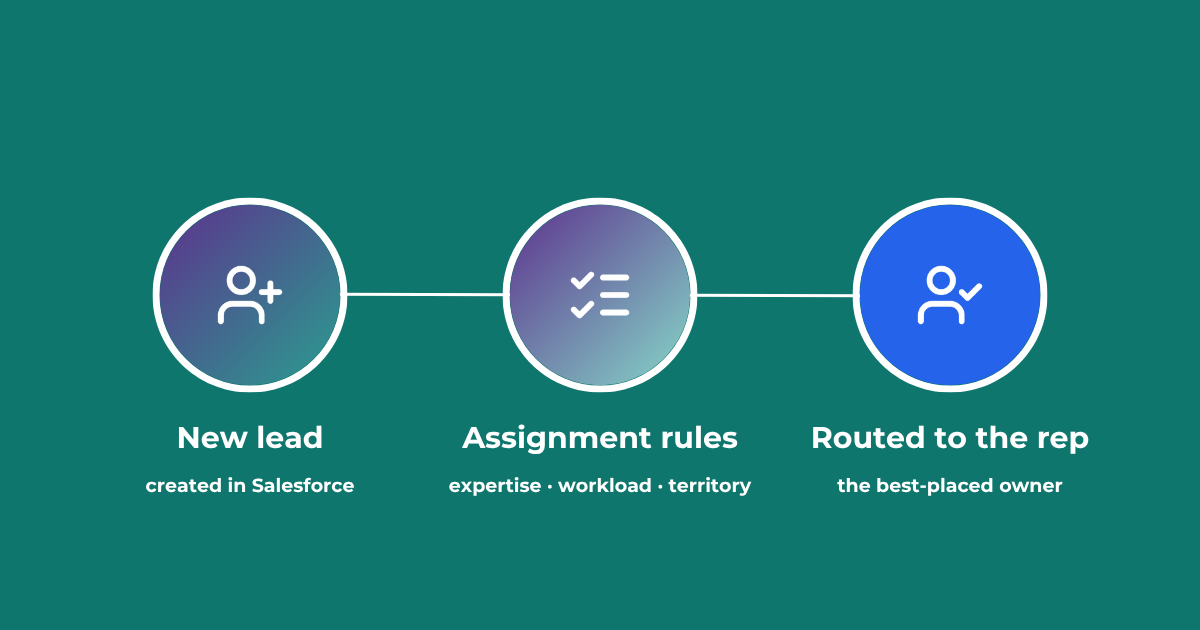
Lead Assignment Rules in Salesforce: Automate with Q-assign
This comprehensive guide to optimizing lead assignment rules in Salesforce will stand you in good stead for maximizing your sales reps’ productivity and performance. Understand the benefits of highly effective lead assignment, explore Salesforce best practices and stay ahead of the competition – with added insights into AI-driven revenue orchestration
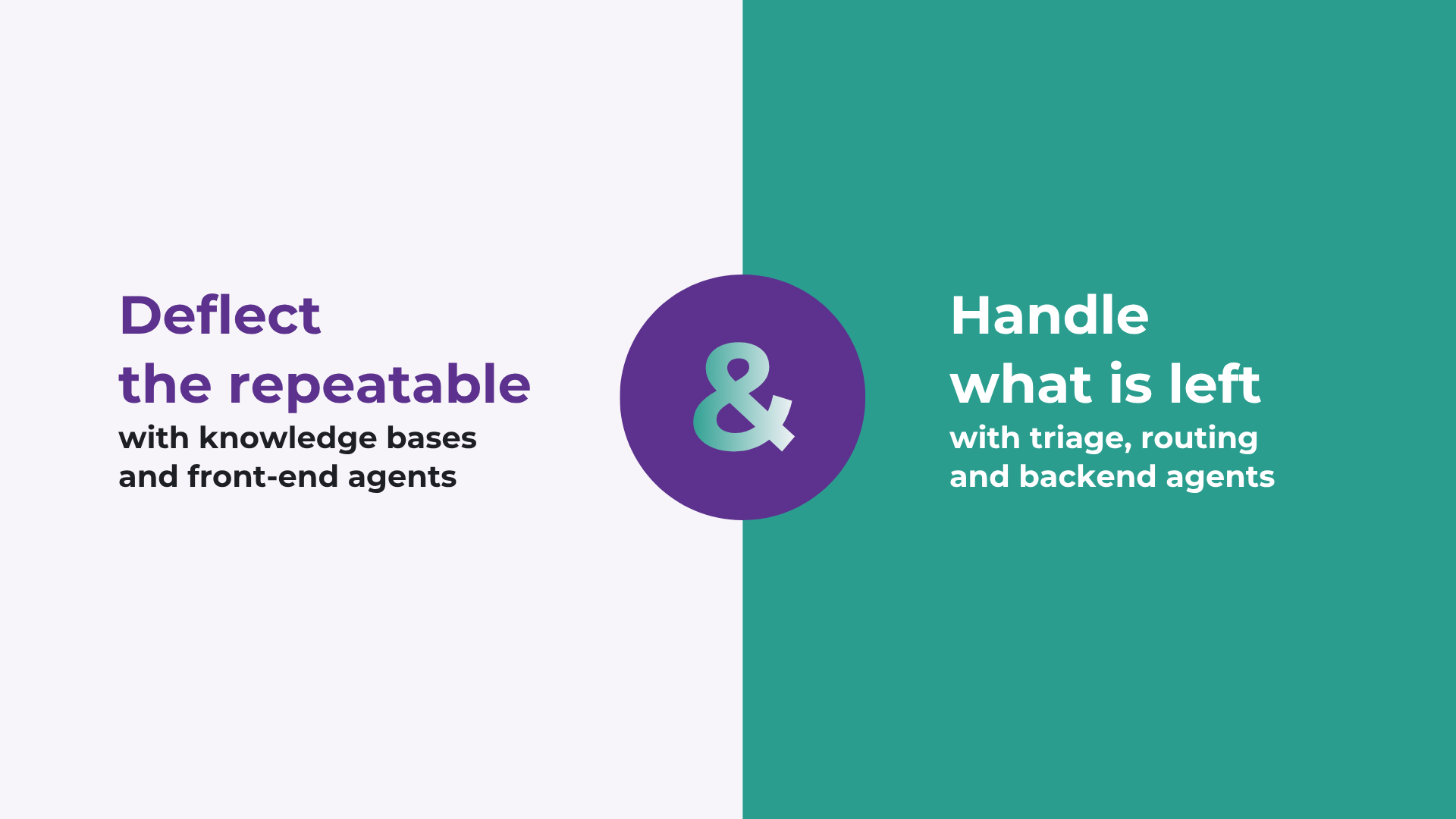
How to improve Salesforce case deflection rates
Deflection only solves half the problem. The cases that do not deflect are the ones that breach SLA. How to improve deflection rates, and how to handle what is left.

Calling Salesforce is easy. Defining what happens next is the hard part.
Salesforce workflows don’t break because of missing automation. They break because no single system defines what should happen. Here’s what actually fixes it.
READY TO SEE IT IN ACTION
Map your workflows with our team.
30 minutes, no prep needed. We will map one workflow you handle today and identify where orchestration would change the outcome.