How to improve Salesforce case deflection rates
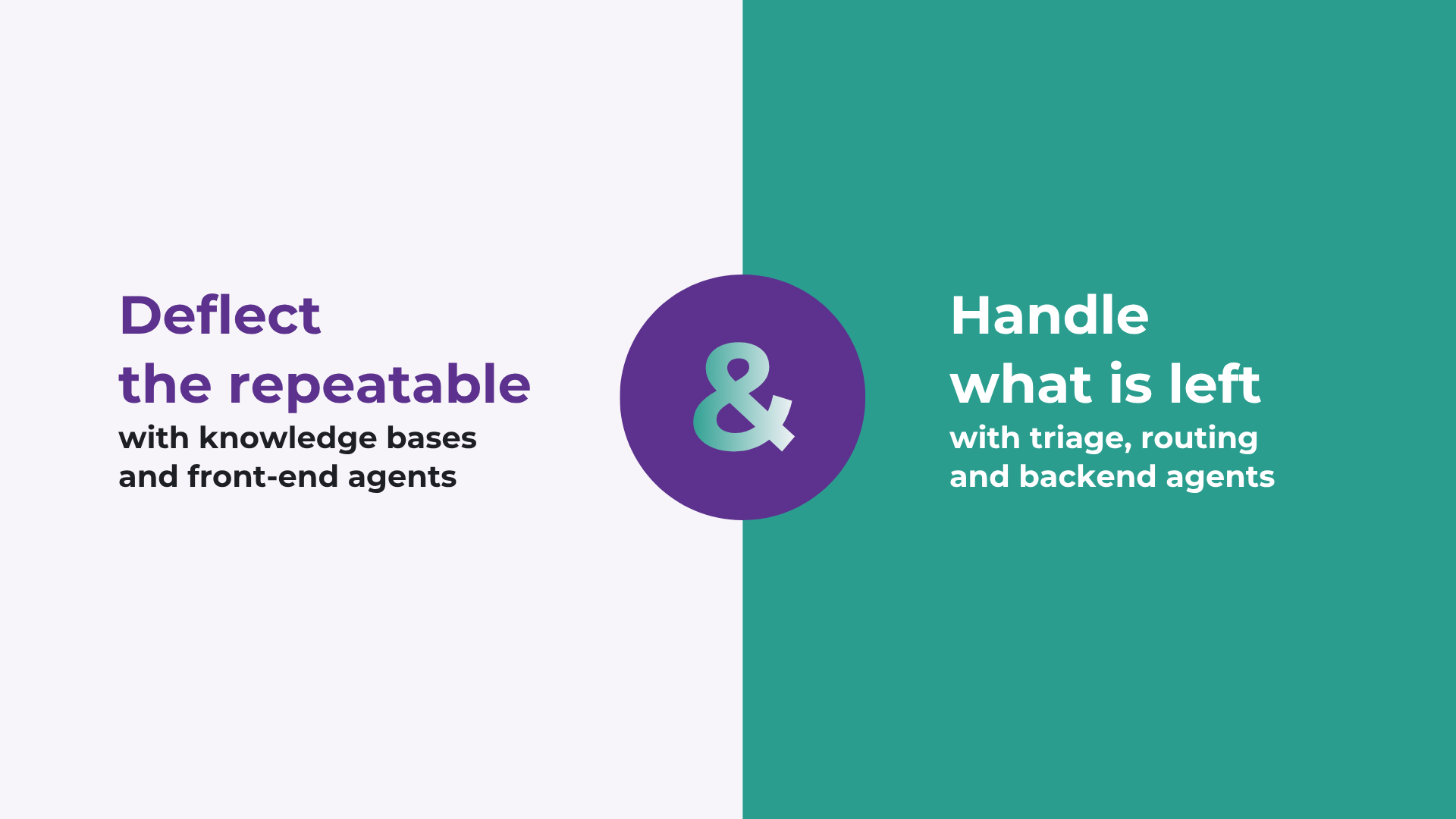
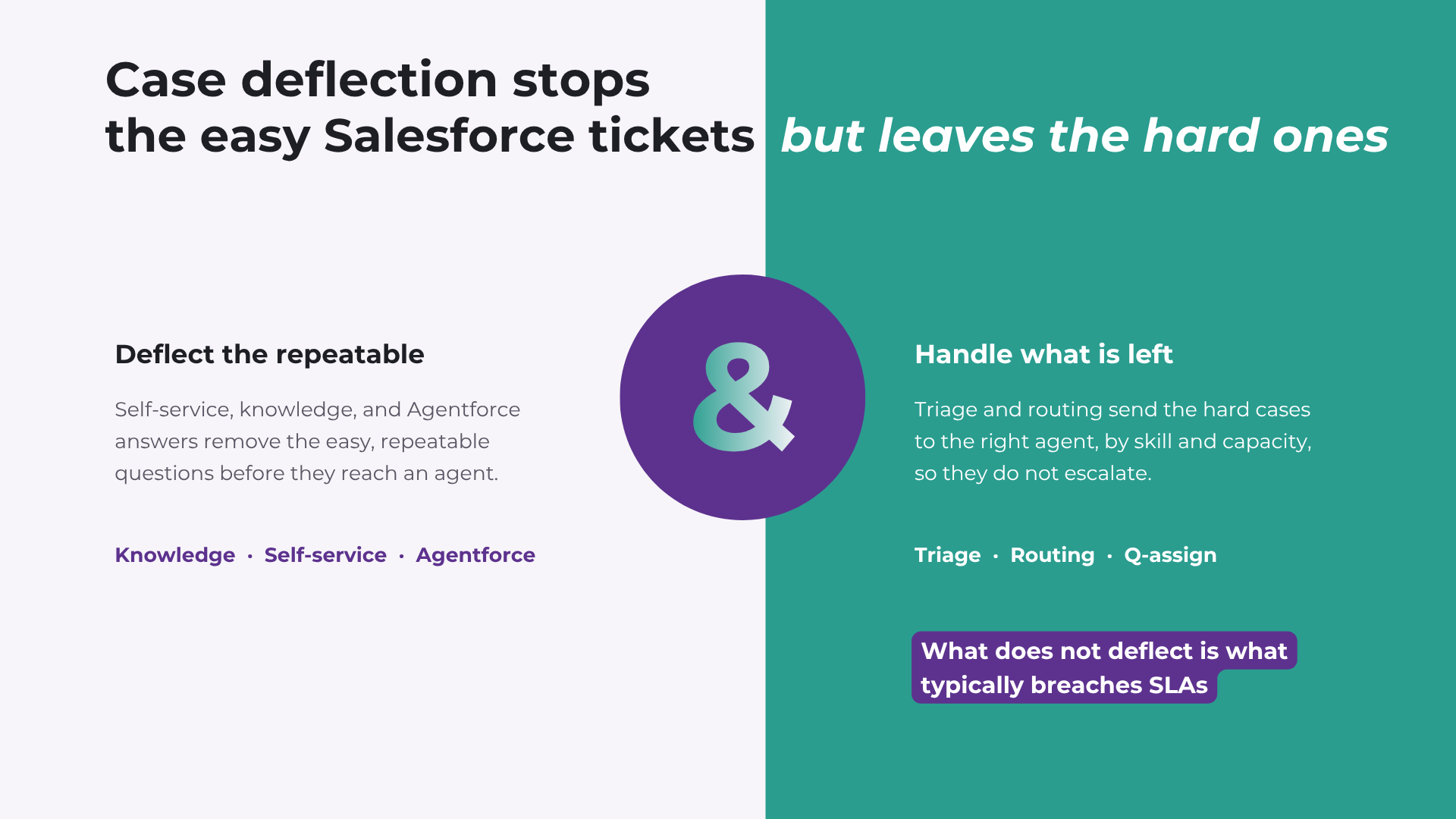
Many Salesforce teams celebrate a higher case deflection rate, then find agent workload has barely moved. The reason: self-service removes the easy cases and leaves the hard ones behind. To improve deflection and have it show up in your workload, deflect the repeatable questions with knowledge and self-service, then triage and route what is left so it reaches the right agent first time.
What is case deflection, and how is it measured?
Case deflection is the share of incoming support requests resolved without a human agent, usually through self-service: a help centre article, a community answer, a Web-to-Case suggestion, or an in-channel AI assistant that answers before a case is created.
Measuring it is less tidy than it sounds. The deflection rate is deflected contacts divided by total attempts, but teams count the denominator differently: help-centre sessions, search queries, chatbot conversations, or case forms that were started and abandoned. Some tools also credit tickets they judge were prevented. Before you compare your rate to anyone else's, be clear on what you are counting. The same support operation can show different numbers depending on the denominator.
How do you improve case deflection rates in Salesforce?
The playbook here is well established, and Salesforce's own tools, including Agentforce, serve this front door well. The goal is to make the answer easier to find than the contact form:
-
Knowledge quality: accurate articles mapped to the questions customers actually ask.
-
Placement: answers surfaced in the help centre, the community, and the case form, before the queue.
-
In-channel AI: an assistant such as Agentforce resolving common questions conversationally.
-
Feedback loop: the questions that still create cases fed back into knowledge.
This is where most advice stops. It is necessary, and it is the easy half.
Why higher case deflection often fails to cut workload
Here is the part the playbook skips. Deflection removes the easy cases and concentrates the hard ones. The questions with a clean, repeatable answer are exactly the ones self-service handles, so what is left is the complex, judgement-heavy work, and it lands on your most senior agents.
Those cases still have to be classified, prioritised, and routed to someone with the right skill and capacity. When that happens by hand, they sit in the queue, bounce between teams, and breach SLA before anyone notices. Push deflection higher and the effect sharpens: the front door gets quieter while the back office gets harder.
When Salesforce case deflection goes wrong
Deflection can also work against you. An AI answer that is confidently wrong sends the customer back, more frustrated, and now counted twice. Hiding the route to a person lifts the rate on paper and the frustration in practice. A question the knowledge base cannot answer, with no easy way through to a human, turns into a complaint.
The principle that avoids all three: effective deflection is not about preventing customers from reaching an agent. It resolves straightforward issues quickly and escalates the complex ones without friction. A high rate earned by blocking the exit is not deflection, it is deferral.
How triage and routing handle what does not deflect
So the cases that clear the front door still need handling, and handling them well is as much a triage problem as a routing one. The root cause of stuck Salesforce work is often triage, not routing. Teams usually solve this with workflow orchestration: classification, prioritisation, routing, and escalation run as one process rather than stitched together by hand. This is the layer case lifecycle management in Salesforce depends on. In Salesforce, one option is Ortoo.
Q-assign is the routing engine inside Ortoo Orchestrator, the Salesforce-native system that runs case triage, routing, and escalation end to end. It extends what you already run, so self-service and Agentforce keep the front door while orchestration coordinates every case that gets through. Two mechanisms do the work:
-
AI triage on the way in: an AI sentiment analysis on inbound cases reads intent, urgency, and sentiment, so an at-risk account is flagged before it breaches, not after.
-
Multi-factor routing: intelligent case routing matches each case to an agent by skill, language, customer tier, and real-time capacity, and rebalances as conditions change. AI interprets; deterministic logic makes the routing decision, so execution stays predictable.
The effect is fewer escalations, because the hard cases are caught and placed correctly instead of waiting for someone to sort the queue.
What end-to-end case handling looks like in production
The mechanism shows up in the numbers. Cars.com moved case triage and assignment off its senior agents: AI reads each incoming case, then skills- and capacity-aware routing places it, with SLA escalation built in. That removed about 1,867 hours of manual triage and reassignment a month, roughly 33,600 hours a year, and redirected 25 senior agents from sorting cases to solving them, while routing more than 14,000 cases a month at near-100% first-touch accuracy.
Assent Compliance put AI classification in front of deterministic routing across 16 teams and handled more than 120,000 records in three months, in five languages, so work that used to age in a backlog reached the right team on the first attempt. In both, the gain did not come from deflecting more. It came from handling what did not deflect without it stalling.
The takeaway
Deflection is worth improving. Just remember it is only half the problem. The other half is making sure the cases that reach an agent get to the right one, the first time.
See how service workflow orchestration handles what deflection leaves behind.
Frequently asked questions
How do I improve case deflection rates in Salesforce?
Deflect the repeatable questions and handle the rest well. Keep knowledge accurate and surfaced at the point of need, and let an in-channel assistant such as Agentforce answer common queries. Then measure deflection alongside handle time and SLA, and put triage and routing behind it, so the harder cases that do not deflect still resolve quickly and total ticket volume falls.
How is case deflection measured in Salesforce?
The deflection rate is deflected contacts divided by total attempts, but the denominator varies: help-centre sessions, search queries, chatbot conversations, or abandoned case forms, and some tools credit tickets they judge were prevented. Decide what you count before comparing your rate to anyone else's, because the same operation can look different depending on the denominator.
What is a good case deflection rate?
There is no universal number. Deflection depends on how repeatable your contact mix is: simple, high-volume questions deflect well, while claims, billing disputes, and technical faults deflect far less because they need judgement. Measure it against a consistent denominator and never on its own, or a high rate can hide a growing backlog of complex cases.
Why is my case deflection not reducing agent workload?
Because deflection removes the easy cases and concentrates the hard ones. Self-service handles the repeatable questions, so what is left is the complex work that lands on your senior agents. Unless those cases are triaged and routed correctly, they sit in the queue and breach SLA, and workload does not fall.
Can case deflection backfire?
Yes. A confidently wrong AI answer sends the customer back, now counted twice, and hiding the route to a person lifts the rate and the frustration together. Effective deflection resolves straightforward issues quickly and escalates complex ones without friction, rather than blocking the exit.
Can I keep Agentforce or self-service and still use Ortoo for this?
Yes. Ortoo extends what you already run. Agentforce and self-service stay at the front door and keep deflecting; Ortoo Orchestrator sits behind them and coordinates triage, routing, and escalation for every case that gets through. Your existing setup stays in place.
Related insights
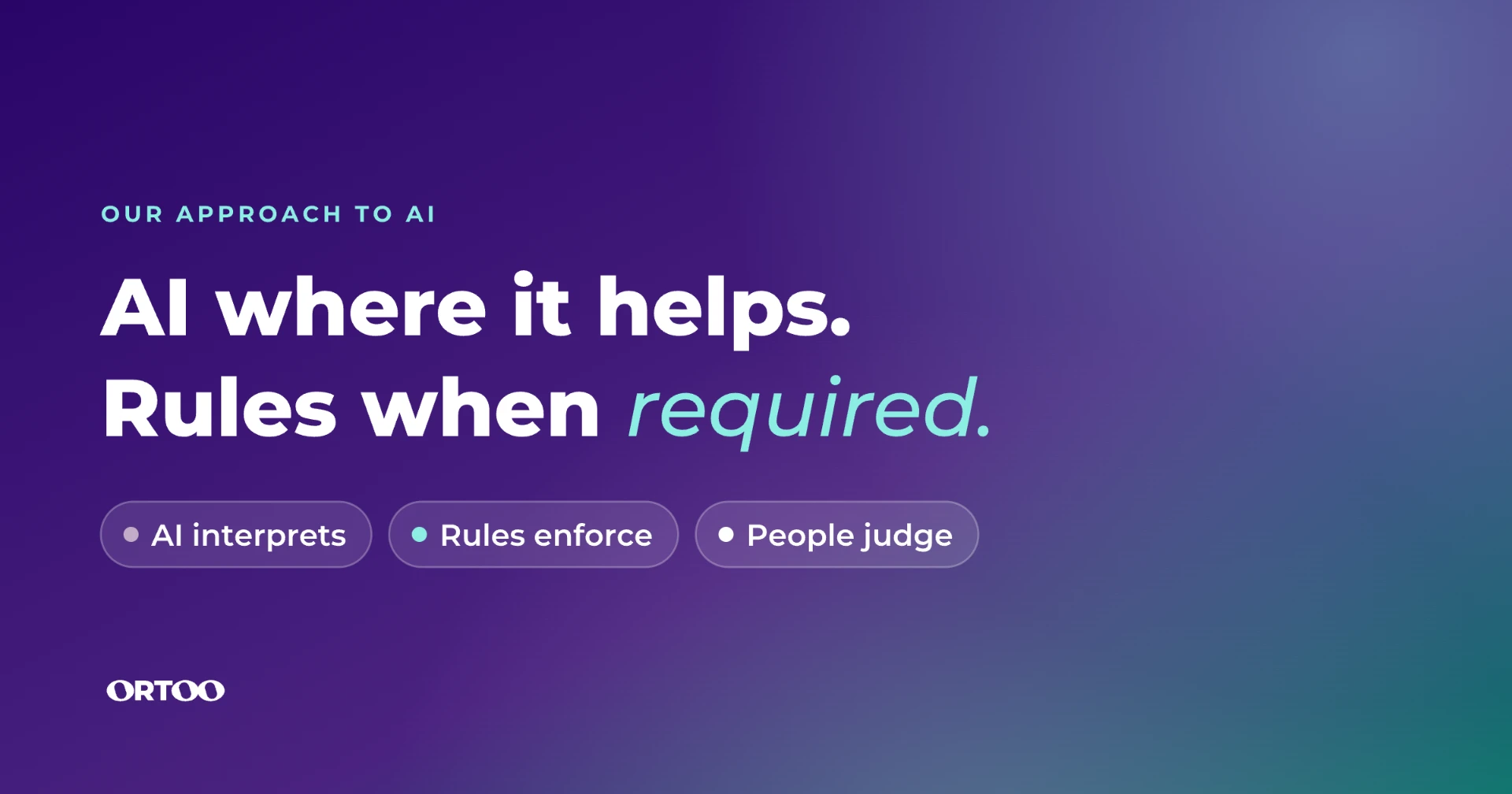
AI where it helps. Rules when required.
Most steps in a Salesforce workflow are already handled well by rules. Here's how to decide which steps need AI, which need a rule, and where a person should step in, with a real example from Sovereign Financial Group.
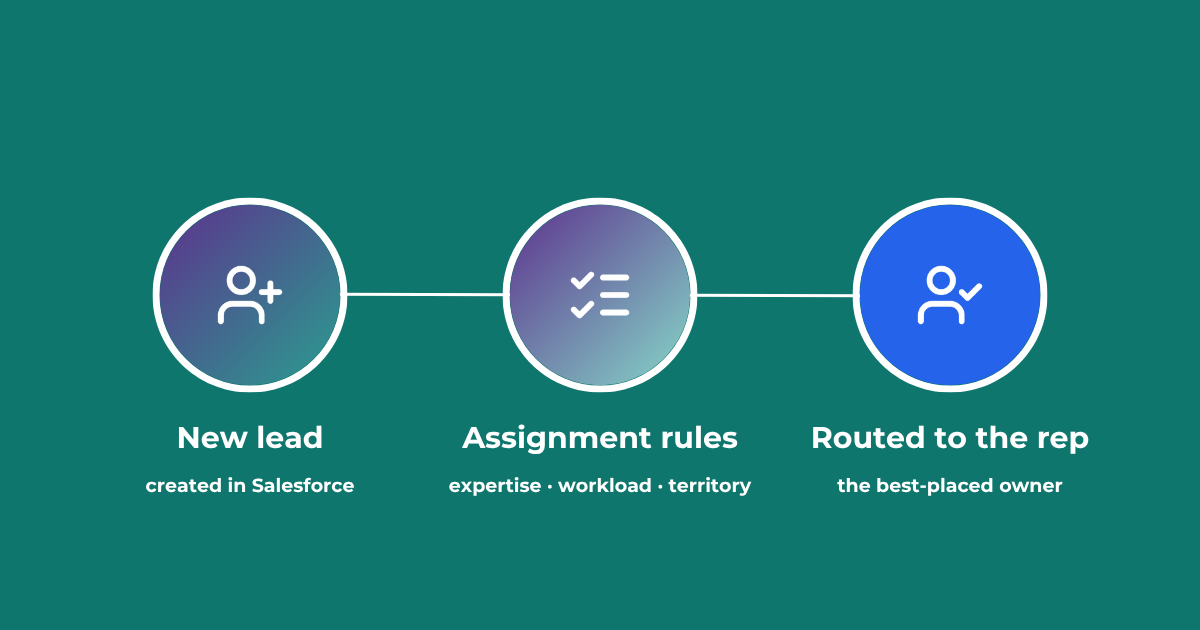
Lead Assignment Rules in Salesforce: Automate with Q-assign
This comprehensive guide to optimizing lead assignment rules in Salesforce will stand you in good stead for maximizing your sales reps’ productivity and performance. Understand the benefits of highly effective lead assignment, explore Salesforce best practices and stay ahead of the competition – with added insights into AI-driven revenue orchestration
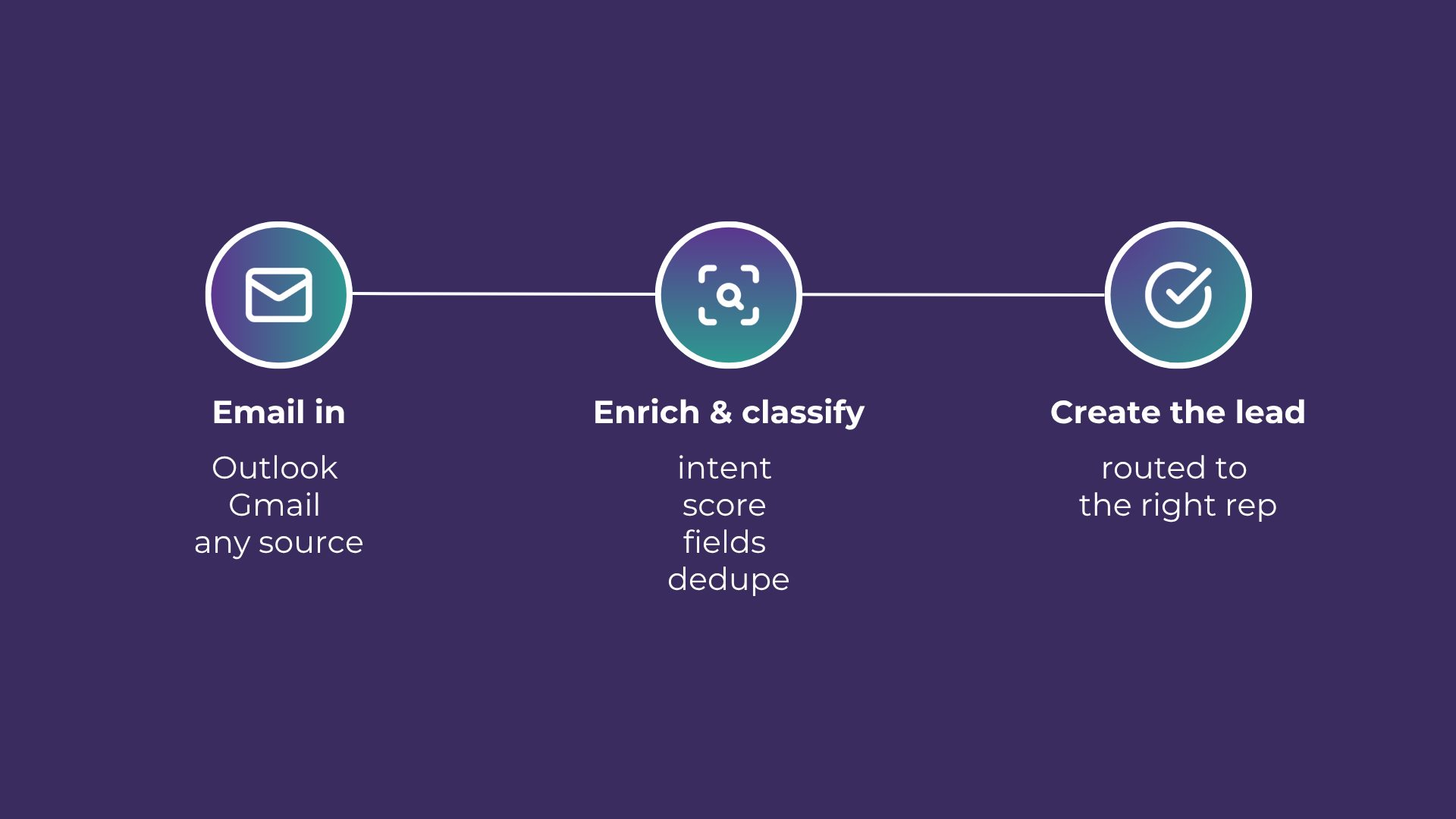
Email-to-Lead: Salesforce Lead Management with AI
Lead management is the lifeblood of any successful sales operation. At a time where customer expectations are higher than ever, ensuring that potential leads are captured and nurtured effectively can make all the difference. Introducing Email-to-Lead – AI Edition.
READY TO SEE IT IN ACTION
Map your workflows with our team.
30 minutes, no prep needed. We will map one workflow you handle today and identify where orchestration would change the outcome.