The Benefits Of Using Assignment Groups In Salesforce

One of the key pieces of functionality we hear Salesforce users become frustrated with is assignment groups. All users can create and manager their own personal groups but only Salesforce administrators can create public groups to be used across the team. This can make it more difficult for individual users to create the tailored setup they require, there are also added complexities when trying to route new leads through to assignment groups. ‘Out of the box’ Salesforce does allow you to distribute leads to assignment groups (with the help of your administrator) but this is often done in a simple round robin format. A lot of businesses want more control & flexibility than that, particularly if they have a whole multitude of different assignment groups setup for different purposes.
What Are Assignment Groups?
Assignment groups are an easy concept to grasp, whilst everyone in your team is crucial , users do have different skills, job roles and characteristics. Therefore, it sometimes makes sense to group certain sets of similar users together and these groups are created & configured by the business, rather than being automated by Salesforce. There are some great benefits of creating assignment groups, not least being able to automatically route leads through to different assignment groups. There are many different possible examples of assignment groups, some of the more popular ones we come across are:
- Assignment groups of specific language speakers
- Assignment groups based on detailed product or departmental knowledge
- Assignment groups based on experience levels
- Assignment groups for different types of account managers
Ultimately there could be many more assignment groups that are relevant for your business, but by simply creating them , you enable yourself to be able to define assignment rules for each of the assignment groups. Giving you much more control and a more sophisticated way of managing your workflows.
The Benefits Of Using Assignment Groups For Lead Distribution
There are a whole range of benefits of routing leads through to assignment groups, rather than treating every assignment user in the same way. Additionally, by using third party applications from the AppExchange you will also find that there is lots more functionality that can be added to the standard Salesforce possibilities. Lots of third party apps can work extensively with assignment groups and create unique ways of distributing leads. Let’s take a look at some of the main advantages:
Complex Leads Are Less Likely To Confuse In-experience Staff , by using assignment groups, you are essentially distributing new leads to the groups of users most relevant for each circumstance. This can be extremely helpful if you have a high proportion of new team members within the wider team. New starters can essentially be put in an assignment group of their own, with unique assignment rules created which ensures they only receive the less demanding leads, which they will be comfortable handling.
You Can Assign More Than Just Leads , assignment groups can be used to distribute much more than just leads. Automatically assigning tasks to assignment groups can be extremely useful for organisations, managers and the team members themselves. Often when tasks first emerge, it may not be clear who the best individual to work on that task is or even who is currently available. That’s why assigning tasks to an assignment group makes much more sense, the task is placed against the assignment grouping who can then later select which individual will work on the specific task. The functionality does exist to override this and assign to specific users if you require, you can even automatically assign tasks to multiple users within an assignment group if needed.
Delight Your Customers , customers love nothing more than dealing with competent and well versed staff. It gives them greater confidence in the brand and also gives them greater assurance that their query or requests will be dealt with. When defining unique assignment rules for each assignment group, you are essentially mapping your incoming leads to go to the most qualified team in the organisation. This means your customers will be liaising with contacts who have experience in similar cases, knowledge of their specific industry or have managed cases just like theirs. This creates a better overall customer service and increases the probability that your customers expectations will be met.
If you are not using assignment groups yet to distribute your incoming leads, cases, tasks and opportunities then we would strongly recommend it. Unfortunately, the full range of functionality is not available ‘out of the box’, but we would urge you to take a look at our enterprise business application Q-assign.
Related insights
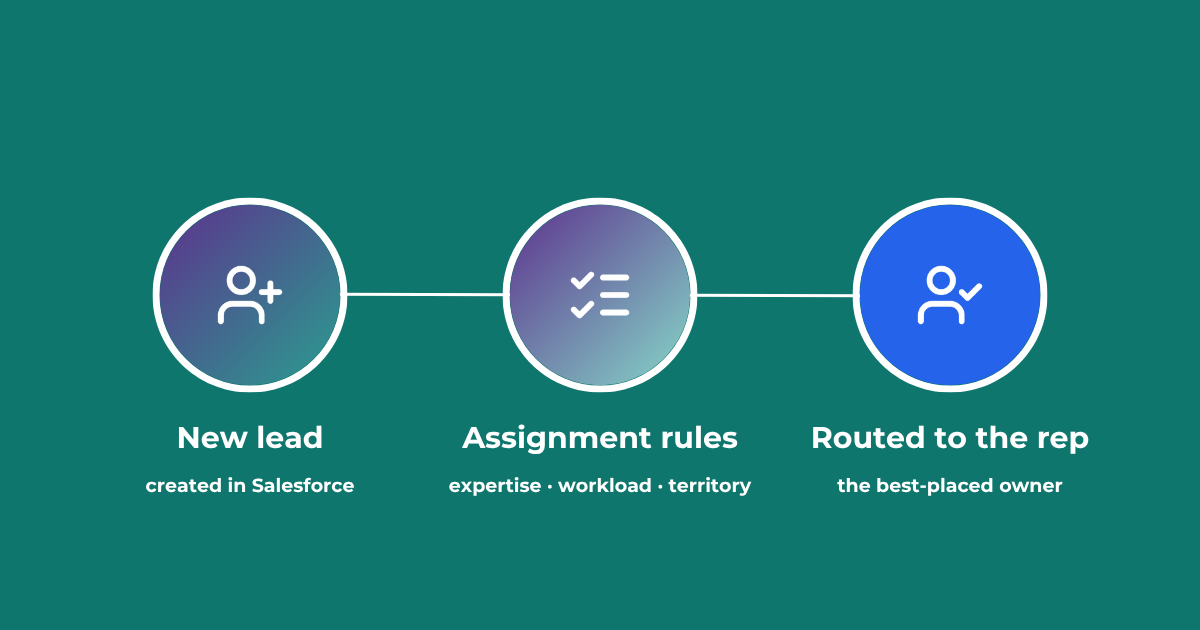
Lead Assignment Rules in Salesforce: Automate with Q-assign
This comprehensive guide to optimizing lead assignment rules in Salesforce will stand you in good stead for maximizing your sales reps’ productivity and performance. Understand the benefits of highly effective lead assignment, explore Salesforce best practices and stay ahead of the competition – with added insights into AI-driven revenue orchestration
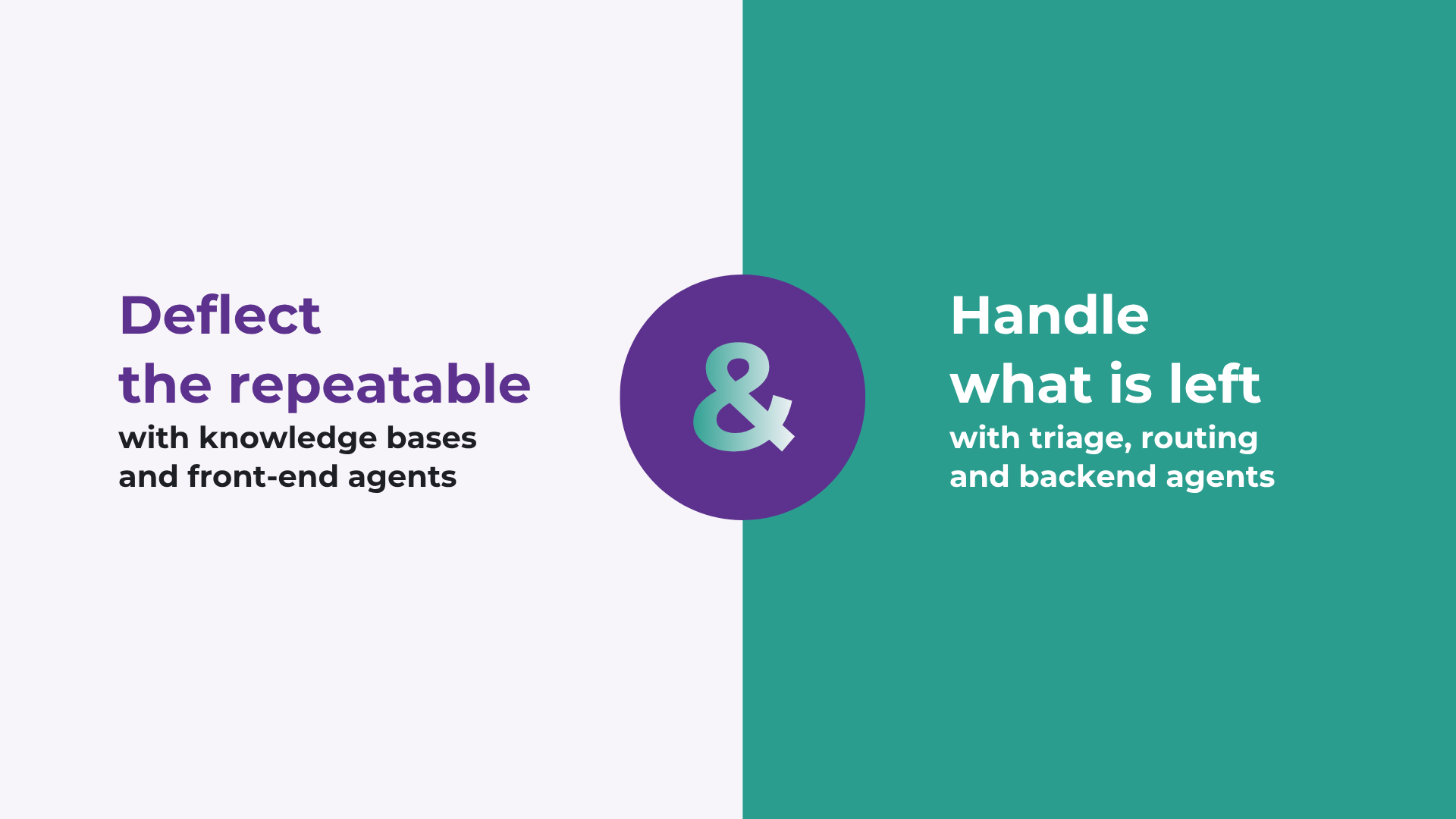
How to improve Salesforce case deflection rates
Deflection only solves half the problem. The cases that do not deflect are the ones that breach SLA. How to improve deflection rates, and how to handle what is left.

Calling Salesforce is easy. Defining what happens next is the hard part.
Salesforce workflows don’t break because of missing automation. They break because no single system defines what should happen. Here’s what actually fixes it.
READY TO SEE IT IN ACTION
Map your workflows with our team.
30 minutes, no prep needed. We will map one workflow you handle today and identify where orchestration would change the outcome.