
How to score and rank leads prior to assigning them
In high-volume sales environments, it’s critical that inbound leads are scored, ranked and prioritized as quickly as possible. You don’t want your hottest leads buried in queues. They need to be quickly identified, surfaced and assigned to the best available sales rep.
Rudimentary lead management
In a rudimentary lead management system, leads are often assigned via round-robin distribution, with each new lead being assigned to a sales rep in turn. This can work well in smaller teams, where workloads and priorities can be easily managed on a manual basis. But as teams grow and lead-volumes increase, a manual lead assignment system will have a significant and negative impact on both productivity and performance.
Not all leads are created equal
As volumes increase it becomes more an more important to assess the potential value of a lead before deciding where to route it. Not all leads are created equal and under normal circumstances you will want your best available sales reps dealing with the hottest leads.
Hot leads go cold
It also makes sense to prioritize leads which are closer to the point of purchase. In high volume environments this can be problematic. At busy times, hot and high-value leads can be stuck in queues, waiting to be assigned to the next sales rep. This is potentially catastrophic because, as we all know, hot leads go cold. With each minute that goes by without a response, the chances of converting any given lead decreases dramatically.
Lead scoring systems
A lead scoring system enables us to (a) assess the value of each and every lead (b) rank them from highest priority to lowest and (c) assign them to the most appropriate sales rep. Marketing automation systems like Hubspot and Pardot will score leads automatically as they arrive in the business. Points are awarded for various lead attributes but popular ones include opening an email, submitting a form or visiting a specific web page. Higher value activities might include enquiring about a high-value product or viewing a pricing page. But if it’s possible to put an actual figure on the potential value of a given “deal” then that is all the more helpful in deciding whether or not to prioritize a lead.
Defining your Ideal Customer Profile
In an Enterprise-environment, the other important factor to bear in mind is, what does your Ideal Customer Profile look like and does a given lead fit that profile? Pardot calls this Lead Grading and it basically boils down to a number of explicit facts about the customer in question. Popular lead-grading attributes include company name, company size, annual revenue, industry, sector and location.
The problem with lead scoring in Salesforce
In Salesforce, the Lead Score increases as the lead in question undertakes certain activities , visiting a pricing page, downloading a white paper, requesting a demo etc. But there is normally nothing to stop poor-quality leads (i.e. leads which do not meet your minimum ICP criteria) from accumulating high lead scores by undertaking lots of activities. On the flip side, leads with a very high potential value (which probably do meet ICP standards) might have very low scores, because they might have only visited your website once. But what if that web page was your pricing page?
If a known prospect from, say, American Airlines, was looking at your pricing page, you’d probably want a sales rep to prioritize them, ahead of the guy who runs a corner shop and has downloaded 5 white papers. But if you are using an out-of-the-box lead scoring system (like Pardot Score or Hubspot Score), that probably wouldn’t happen.
Advanced lead scoring
In a large or fast-growing sales team, where inbound lead-volumes are high, it’s critical to deploy an advanced lead scoring system. The out-of-the-box Pardot Score is insufficient because it probably takes no account of the ICP status of the account in question (i.e. do you really want them as a customer?). Likewise, Lead Grade does not work as a stand-alone lead scoring mechanism, because it tells you nothing about the lead’s level-of-interest in buying your product of service.
A high-performance sales team will use a combination of Lead Score and Lead Grade, and a smart way of doing this is to use Assignment Groups. Assignment Groups can be used to sort leads by type before then ranking them by score , with a view to assigning them out immediately, to the best available sales rep. So, in the example above, all ICP leads (including American Airlines) can be allocated to Assignment Group A and given a high priority. The lead score can then determine the order in which they get assigned out. Non-ICP leads can go into Assignment group B, with a view to assigning them out after all of the leads in Group A have been assigned.
To learn more about Assignment Groups, check out our article:
Intelligent assignment
Once you have defined and implemented an advanced lead-scoring system, an intelligent assignment app, like Q-assign, can decide how and when to assign each lead.
Hot leads can be prioritized, matched and assigned to the very best available sales reps to be serviced as quickly as possible. Less important leads can be de-prioritized and processed only when a sales rep who has some spare capacity becomes available.
By prioritizing and assigning hot leads automatically, team performance can be truly optimized, with conversion rates, revenues and profits all boosted significantly.
Related insights
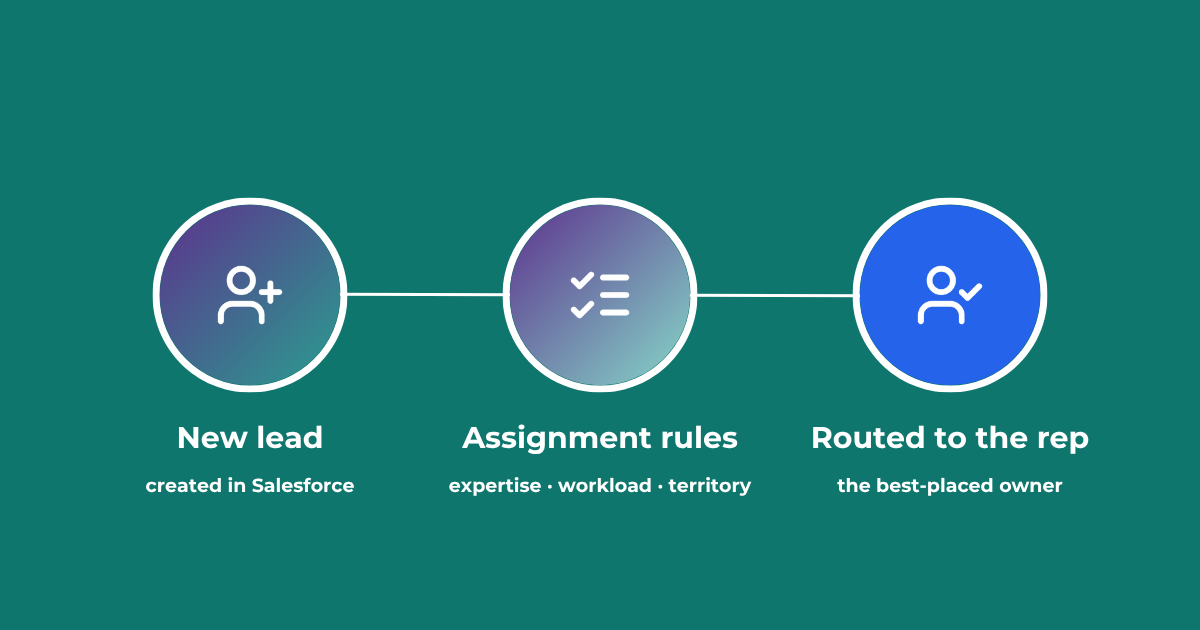
Lead Assignment Rules in Salesforce: Automate with Q-assign
This comprehensive guide to optimizing lead assignment rules in Salesforce will stand you in good stead for maximizing your sales reps’ productivity and performance. Understand the benefits of highly effective lead assignment, explore Salesforce best practices and stay ahead of the competition – with added insights into AI-driven revenue orchestration
Lead to Account Matching: Seamlessly Connect Leads to Accounts in Salesforce
Lead to account matching connects every inbound lead to the right account in Salesforce. Here is how it works, where it breaks, and how to automate it without manual data entry.
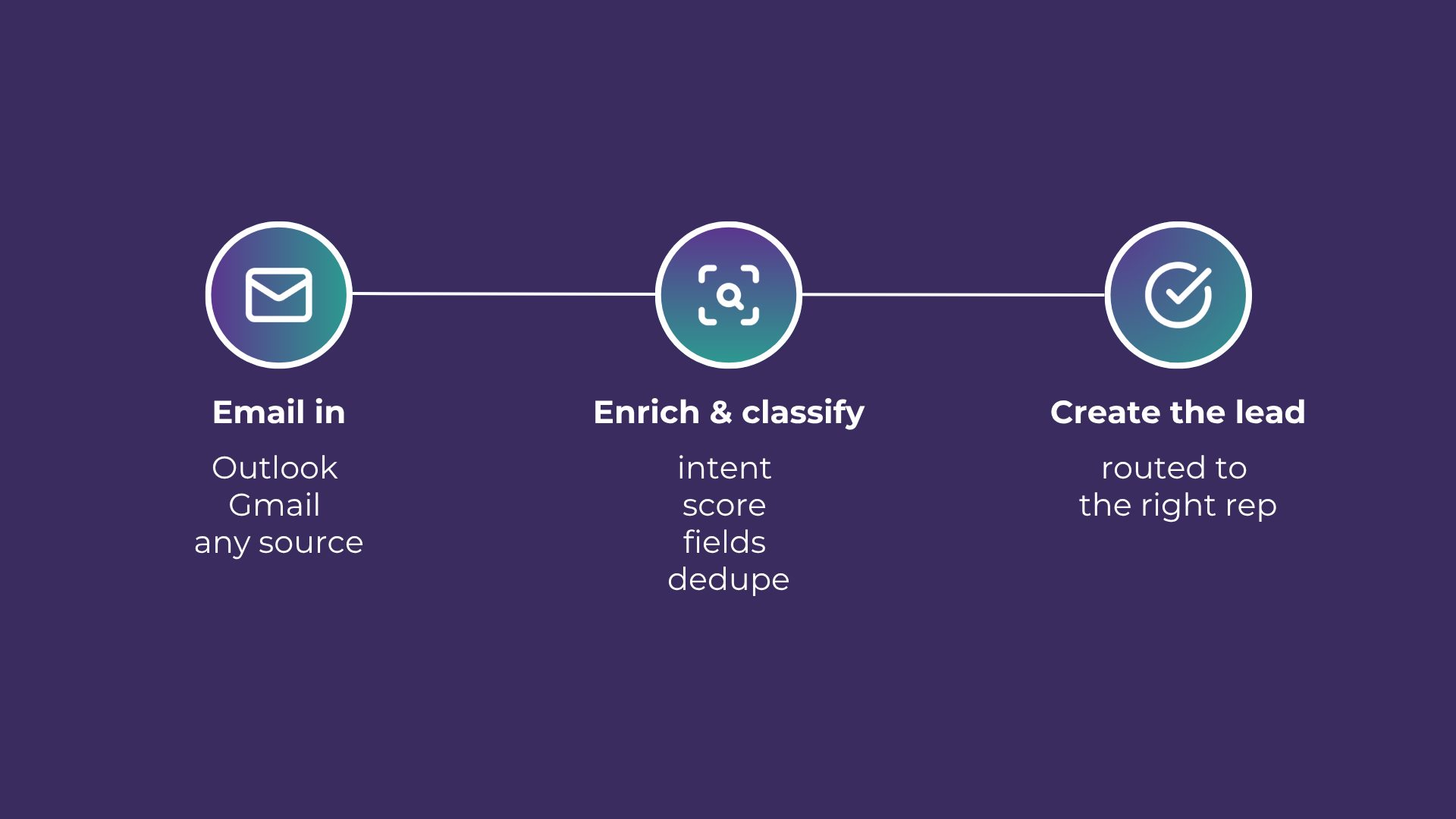
Email-to-Lead: Salesforce Lead Management with AI
Lead management is the lifeblood of any successful sales operation. At a time where customer expectations are higher than ever, ensuring that potential leads are captured and nurtured effectively can make all the difference. Introducing Email-to-Lead – AI Edition.
READY TO SEE IT IN ACTION
Map your workflows with our team.
30 minutes, no prep needed. We will map one workflow you handle today and identify where orchestration would change the outcome.