Lead to Account Matching: Seamlessly Connect Leads to Accounts in Salesforce
In today’s fiercely competitive sales environment, maintaining a clean and organized Salesforce database is more crucial than ever. When your data is misaligned or duplicated, productivity suffers, confusion spreads, and sales cycles slow down. By embracing a robust Lead to Account Matching strategy, however, you can streamline operations and guide your sales team toward the most promising opportunities, ultimately raising their performance and boosting your bottom line.
What is Lead to Account Matching?
Lead to account matching links a lead to its corresponding account in Salesforce. When a lead is created, the process checks whether that company already exists as an account. If it does, the lead is associated with it. If it does not, the lead is flagged for account creation rather than left floating.
The point is context. A lead attached to the right account inherits everything you already know: the owner, the open opportunities, the support history, the relationship status. A lead with no account link is just a name and an email, disconnected from the work already happening on that company.
Key benefits of lead to account matching in Salesforce include:
Cleaner, better-organised data
Full visibility into account-level activity behind every lead
Reduced manual data entry and errors
Faster lead qualification
Why is Lead to Account Matching Important in Salesforce?
Salesforce is only as effective as the data inside it. Without reliable lead to account matching, sales teams run into three recurring problems:
Duplicate Records: the same company enters the system repeatedly as separate leads and accounts, creating clutter and confusion.
Lost Context: Leads need proper account association to avoid obscure historical data or misrepresenting the status of a relationship.
Wasted Sales Outreach: two people work the same account because neither can see the other. Time goes into leads that another department is already handling.
Each of these compounds as lead volume grows. Automating lead to account matching removes the manual step that causes them, and keeps the data accurate as records come in.
How Ortooapps Automates Lead to Account Matching
Ortoo builds Salesforce-native applications that run inside your existing org. Lead to Account matching is part of Q-assign and the intake workflow on Ortoo Orchestrator, so the match happens automatically as leads arrive, not as a clean-up job afterwards.
Features of Ortoo’s Lead to Account Matching Solution:
Automatic Matching: the right Salesforce account is resolved from the signals in the record, email domain, a URL, a company name, or contact context, not just one exact field. The lead is then linked to the matched account and can be assigned to that account's existing owner or team.
Matching Before Routing: on inbound intake, the account is resolved first, so the lead reaches the person who already owns that relationship rather than a generic queue.
Low-confidence matches flagged, not guessed: when a confident match cannot be made, the record is flagged for review instead of being linked to the wrong account.
Data Integrity Tools: Flag potential duplicates or discrepancies for review.
Configured, not coded: matching criteria are set up in the Salesforce UI and adjusted by the operations team, without a development cycle.
Because it runs natively and on top of your existing setup, this extends what you already have in Salesforce rather than replacing it. Cars.com runs account matching alongside case triage and routing across production use cases on exactly this model.
Best Practices for Lead-to-Account Matching
To maximize the benefits of Lead to Account Matching, follow these best practices:
Define Clear Lead to Account Matching System with Rules and Criteria: decide which signals identify an account, email domain, company name, or other fields. Clear rules produce accurate matches.
Automate the Match with a Lead to Account Matching System: use a native tool such as Q-assign to remove the manual search-and-link step and the errors that come with it. For records it cannot match confidently, review the flagged cases so a person resolves the ambiguous ones rather than the wrong account being linked.
Audit Your Data Regularly: schedule periodic reviews to catch duplicates and keep records current.
Bring Your Team with You: train and make sure reps understand how matching works and why an account-linked lead is worth more than a loose one.
Cleaner Salesforce Data, Less Manual Entry
Lead to account matching is a core part of keeping Salesforce data clean and useful. It improves organisation and gives sales accurate, account-level context on every lead. Automating it, so the match runs the moment a lead arrives, removes the manual data entry that slows teams down and introduces errors.
To see how Ortoo handles lead to account matching in your own org, book a demo. You can also explore how agentic orchestration and Q-assign routing coordinate matching, assignment, and follow-up as one workflow.
FAQ
How do you automate lead-to-account association without manual data entry? Use a Salesforce-native tool that resolves the account automatically as the lead arrives. Q-assign, part of Ortoo Orchestrator, matches the lead to an existing account from signals such as email domain, company name, or a URL in the record, links it, and can assign it to that account's owner. When it cannot match confidently, it flags the record for review rather than guessing, so no one is keying the association in by hand.
What is lead to account matching in Salesforce? It is the process of connecting each inbound lead to its corresponding account. When a lead is created, it is associated with the existing account if one exists, or flagged for account creation if not. This prevents duplicates, preserves context, and gives sales a full view of the company behind the lead.
Does Salesforce do lead to account matching natively? Salesforce can match on exact field values, but matching reliably across messy or partial data, resolving an account from a domain or a company name rather than a single clean field, usually needs a dedicated Lead to Account Matching tool or custom build. A native app such as Q-assign handles this without custom code.
How is lead to account matching different from lead routing? Matching resolves which account a lead belongs to. Routing decides which person should own it. They work together: match the lead to the account first, then route it to the right rep, often the account's existing owner. See lead assignment in Salesforce.
Related insights
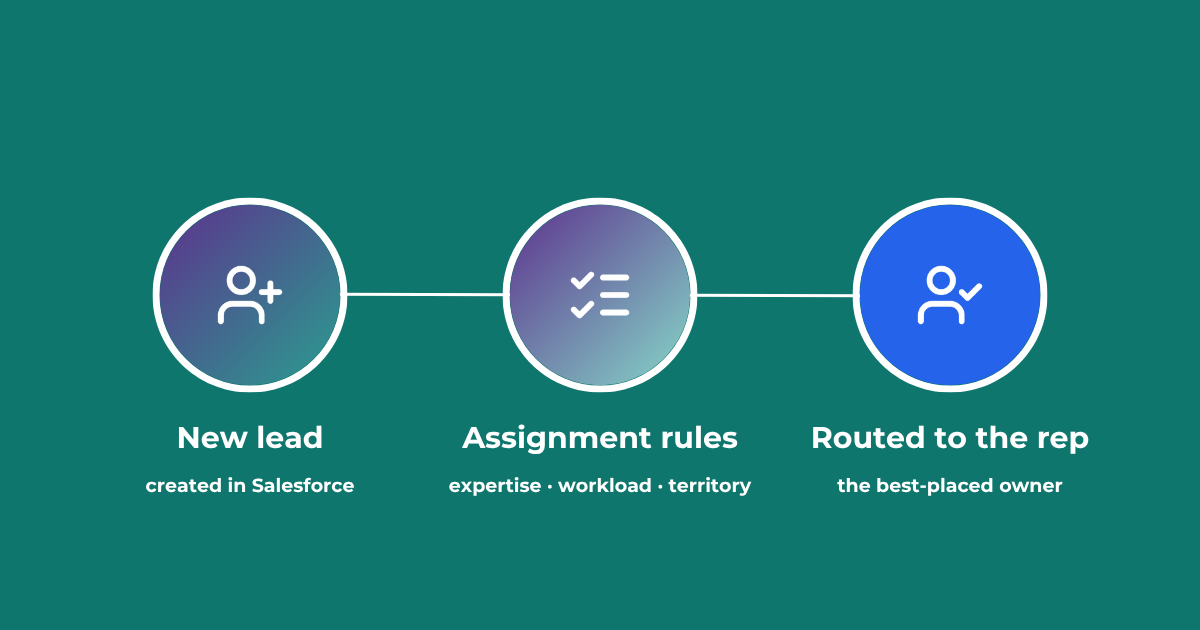
Lead Assignment Rules in Salesforce: Automate with Q-assign
This comprehensive guide to optimizing lead assignment rules in Salesforce will stand you in good stead for maximizing your sales reps’ productivity and performance. Understand the benefits of highly effective lead assignment, explore Salesforce best practices and stay ahead of the competition – with added insights into AI-driven revenue orchestration
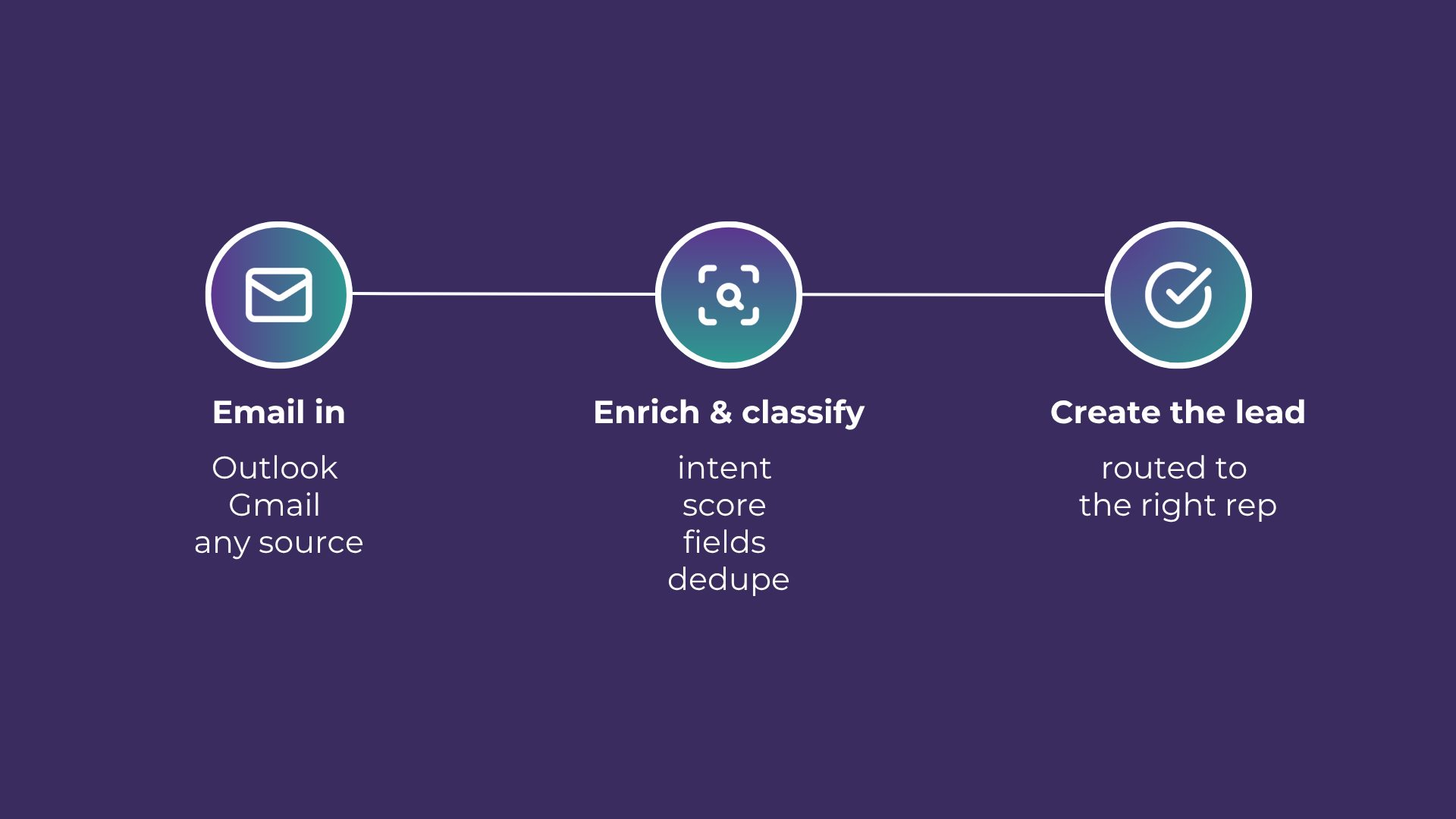
Email-to-Lead: Salesforce Lead Management with AI
Lead management is the lifeblood of any successful sales operation. At a time where customer expectations are higher than ever, ensuring that potential leads are captured and nurtured effectively can make all the difference. Introducing Email-to-Lead – AI Edition.

Proactive Lead Supervision to Prevent Salesforce Decay
Discover how to move from reactive clean-ups to a proactive supervision model that maintains lead quality and prevents pipeline decay.
READY TO SEE IT IN ACTION
Map your workflows with our team.
30 minutes, no prep needed. We will map one workflow you handle today and identify where orchestration would change the outcome.