
Assign leads automatically to increase productivity and performance
By switching from a manual lead distribution model to a fully automated lead assignment system, sales team performance. Not only that, but the freed up resources can be re-deployed to work on higher value activities, further boosting productivity.

Why manual lead management systems suck
Sales teams that are still creating and assigning leads and opportunities manually, are wasting valuable time, money and resources. These teams are also undoubtedly under-performing. If there’s any significant delay between a new lead arriving in the business and it being assigned to a sales rep, then the chances of that lead ever being converted start to decline, almost immediately. What’s more, if it is not assigned to the right sales rep (i.e. the one with the best chance of converting it), conversion rates will also suffer.
Introducing automated lead assignment systems
Automated lead assignment systems analyze leads the moment they arrive in a business. If your Sales team is using Salesforce, then the chances are your team is using an automated lead assignment app, like our own app Q-assign (which is 100% native to Salesforce , see it here on the AppExchange). They work by assessing the attributes of a lead , e.g. the name, job title, email address, company name, the contents of the message , and then making a calculated decision to assign it to a specific sales rep.
The decision on which rep to route the lead to is based on the capacity and capability of each sales rep , e.g. their current availability, workload, skills, experience, location, language and more.
Lead matching increases conversion rates
By deploying an automated lead assignment app, leads and opportunities can be routed almost instantaneously to sales reps. Not only that, but they can also be matched to reps which have the greatest chance of converting each specific lead based on the rep’s own attributes. In an insurance company, you would expect the rep with in-depth knowledge of travel insurance to be better at selling travel insurance than a rep that specializes in home insurance. So it would make sense to route all travel insurance leads to the travel insurance sales rep , subject to his or her availability and capacity. That should boost conversion rates.
Boost productivity and performance
Assigning each lead to the right sales rep at the right time increases lead throughput, enables response times to be significantly shortened and increases conversion rates. This means that overall team productivity and performance can be dramatically increased. At the same time, redundant resources , which were previously assigning leads manually, can be re-deployed to higher value activities, further boosting team productivity, performance and profitability.
Related insights
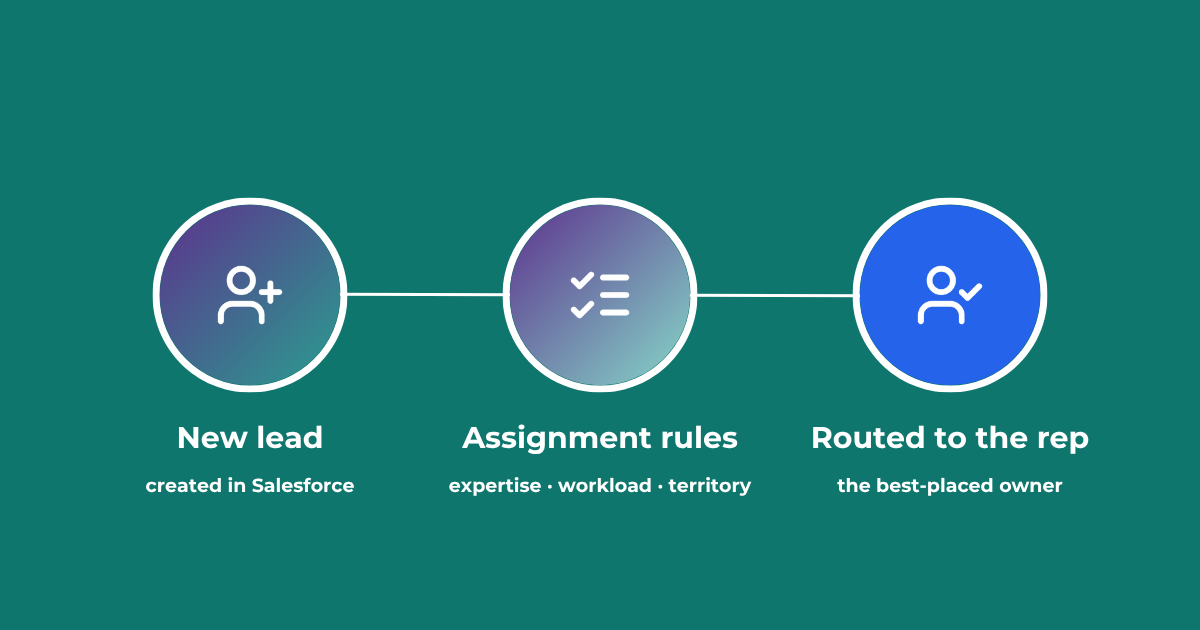
Lead Assignment Rules in Salesforce: Automate with Q-assign
This comprehensive guide to optimizing lead assignment rules in Salesforce will stand you in good stead for maximizing your sales reps’ productivity and performance. Understand the benefits of highly effective lead assignment, explore Salesforce best practices and stay ahead of the competition – with added insights into AI-driven revenue orchestration
Lead to Account Matching: Seamlessly Connect Leads to Accounts in Salesforce
Lead to account matching connects every inbound lead to the right account in Salesforce. Here is how it works, where it breaks, and how to automate it without manual data entry.
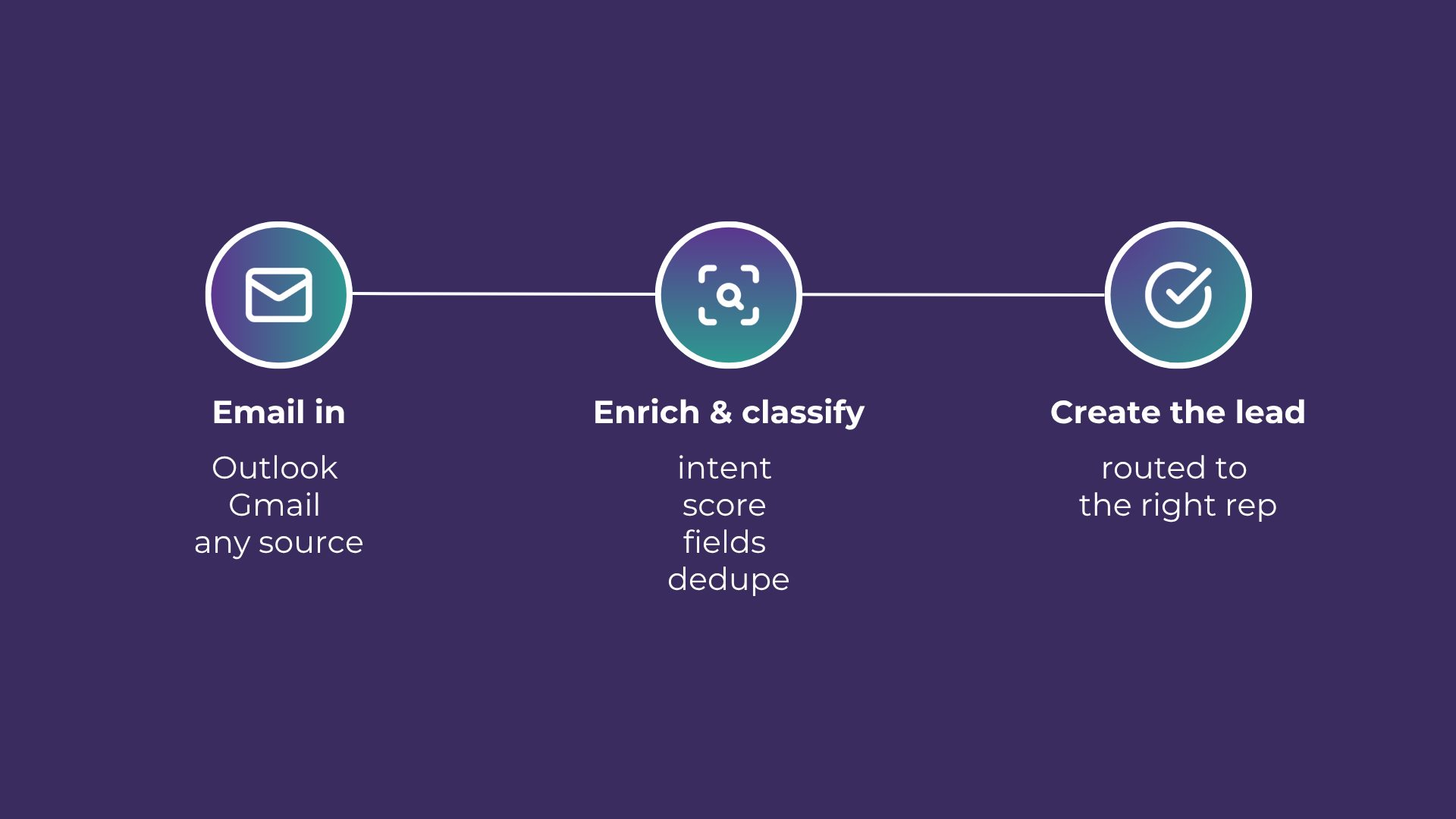
Email-to-Lead: Salesforce Lead Management with AI
Lead management is the lifeblood of any successful sales operation. At a time where customer expectations are higher than ever, ensuring that potential leads are captured and nurtured effectively can make all the difference. Introducing Email-to-Lead – AI Edition.
READY TO SEE IT IN ACTION
Map your workflows with our team.
30 minutes, no prep needed. We will map one workflow you handle today and identify where orchestration would change the outcome.