Why Salesforce Automation Breaks at Scale and How to Fix It

Many Salesforce teams build automation that performs perfectly in a controlled development environment. This creates a false sense of security. The common mistake is assuming that what works for ten records will work for ten thousand. The reality is that synchronous automation built with tools like Process Builder or immediate-mode Flows is not architected for the pressures of real-world volume and complexity.
This isn’t a failure of the tools themselves but an architectural misstep. As transaction volumes grow, these brittle workflows begin to degrade. What starts as an intermittent failure during peak hours soon becomes a systematic disruption. This gradual decay erodes user trust in the platform and creates a significant operational debt. This is the scaling trap of Salesforce automation at scale – a problem that requires a fundamental shift in design thinking, not just incremental fixes.
The Scaling Trap of Synchronous Automation
The initial success of synchronous automation often masks its inherent fragility. When a user saves a record, a chain of synchronous processes can fire in a single transaction. In a low-volume setting, this happens instantly and without issue. The problem arises when this pattern is applied to high-volume Salesforce automation where thousands of records are processed concurrently. The platform is designed with guardrails to protect its multi-tenant architecture and these guardrails are what synchronous automation often hits first.
The primary cause of failure is hitting Salesforce governor limits. These are not arbitrary restrictions but essential mechanisms to ensure fair resource allocation for all customers on the platform. As detailed in Salesforce’s own architectural guidance, chaining multiple synchronous processes can quickly exhaust transaction-scoped limits for CPU time, SOQL queries or DML statements. When a limit is breached, the entire transaction fails and rolls back, leaving records in an inconsistent state.
Beyond governor limits, secondary risks like unhandled exceptions and infinite loops create further instability. A poorly designed flow might enter a recursive loop that consumes all available CPU time, or an external callout might fail without a proper error-handling path. These failures are predictable symptoms of a design pattern ill-suited for high-throughput operations. The risk is not just a failed job but widespread data corruption that requires hours of manual investigation and clean-up.
Common Failure Points in High-Volume Workflows

To build resilient systems, it is important to understand precisely where and why synchronous automation fails under load. The most common failure points are directly tied to the consumption of shared resources within a single, immediate transaction. When a record update triggers a cascade of logic – validations, field updates, related record creation and notifications – the cumulative demand on the system can quickly exceed its per-transaction allowance.
This is especially true when multiple automations are layered on top of each other over time, often by different teams. A single case update might trigger a flow from the service team, another from the finance team for billing checks and a third from the compliance team for auditing. Each one adds to the transaction’s query count and processing time. The result is a system that becomes progressively more fragile as the business grows. The table below illustrates the stark difference in resources available to synchronous versus asynchronous processes.
| Governor Limit | Synchronous Limit (Per Transaction) | Asynchronous Limit (Per Transaction) | Common Cause of Breach |
|---|---|---|---|
| Total SOQL queries issued | 100 | 200 | Multiple flows triggering lookups on the same record. |
| Total DML statements issued | 150 | 150 | Complex logic with many record updates or inserts. |
| Maximum CPU time | 10,000 ms | 60,000 ms | Inefficient loops or complex formula calculations. |
| Maximum heap size | 6 MB | 12 MB | Processing large data sets or complex objects in memory. |
Note: These limits illustrate the additional processing headroom available to asynchronous operations. The figures are per transaction and highlight why deferring heavy processing is a core principle of scalable workflow design.
Adopting an Asynchronous-First Mindset
Recognising these failure points leads to a necessary architectural shift – adopting an asynchronous-first mindset. This is not about avoiding synchronous automation entirely. It is about making a deliberate choice to decouple and defer any processing that is not absolutely required to happen in the immediate transaction. This approach prioritises system resilience and predictability over the perceived simplicity of a single, monolithic automation.
The core principle is to break down a large business process into a series of smaller, independent and retryable steps. Instead of one long synchronous chain, the workflow becomes a sequence of discrete jobs that run in the background. This modular design is inherently more robust. If one step fails, it does not cause the entire end-to-end process to roll back. It can be isolated, diagnosed and retried without affecting other parts of the system.
The practical benefits are significant. Asynchronous processes run in a separate transaction with their own, much higher governor limits. They do not freeze the user interface, providing a better experience for users who are creating or updating records. Following asynchronous apex best practices is a fundamental change in how to design scalable Salesforce workflows. It moves the focus from ‘what happens now’ to ‘what needs to happen next’ and builds a system that can handle growth without breaking.
Core Principles of Scalable Workflow Design

An asynchronous-first mindset is put into practice through a set of core design principles. These patterns provide a repeatable framework for building bulk-safe processes that can handle millions of records reliably. This approach is formalised in what Salesforce architects call a ‘Step-Based Async Framework’, a model for building reliable processes. Adhering to these principles ensures that workflows are not just scalable but also maintainable and transparent.
- Modularity: Break down complex logic into self-contained, single-purpose steps. Instead of a single mega-flow, use platform features like Queueable Apex, Scheduled Flows or Invocable Actions to create discrete units of work. For example, a lead conversion process could be split into separate steps for creating the account, creating the contact and assigning follow-up tasks. Each step is independent and can be managed separately.
- Idempotency: Design each step so it can be safely retried without creating duplicate data or other unintended side effects. An idempotent process checks the state of the system before acting. For instance, before creating a contact, it first checks if a contact with that email address already exists for the account. This is critical for building robust error recovery mechanisms.
- Checkpointing and State Management: Track the progress of a record through the end-to-end process. This typically involves using a custom field – like a status or stage field – on the record itself. This ‘checkpoint’ allows the process to be paused, resumed or rolled back from the last successful step. It provides essential visibility into where every record is in its lifecycle.
These principles are fundamental to managing complex business processes, from lead assignment to claims processing, and form the basis of modern work orchestration for Salesforce operations.
Transitioning From Automation to Orchestration
The design principles of modularity and state management represent an evolution from simple automation to true work orchestration. The Salesforce platform itself reflects this shift. The introduction of Salesforce Flow Orchestration provides a declarative tool for implementing these scalable, asynchronous patterns without writing extensive custom code. It is not just another flow type – it is a meta-layer designed to coordinate multiple flows, Apex jobs and user interactions into a cohesive end-to-end process.
Flow Orchestrator allows architects and admins to visually map out multi-step processes that include parallel branches, conditional routing and designated error-handling stages. For example, an employee onboarding process could be orchestrated to run background checks and IT provisioning in parallel, only proceeding to the next stage once both are complete. If the background check fails, the orchestration can automatically route the record to an exception queue for manual review.
This provides a declarative canvas for stitching together the independent, asynchronous steps discussed earlier. It makes complex, long-running processes manageable and transparent. For any organisation running high-stakes workflows on Salesforce, moving towards orchestration is the logical next step. It formalises the patterns needed for scale and provides the native tools to build and manage them effectively.
Establishing Governance for Orchestrated Systems
As workflows become more powerful and distributed, the need for strong governance becomes paramount. Orchestration provides greater capability but also requires greater discipline. Without clear standards and controls, a system of orchestrated flows can become just as difficult to manage as a web of tangled synchronous automation.
Effective governance starts with establishing consistent naming conventions for orchestration stages and steps. It requires creating automated test suites for each modular component to ensure that changes to one part of the process do not unexpectedly break another. Maintaining a single source of truth for orchestration logic – ideally within the orchestrator itself – prevents logic from becoming fragmented across different tools and automations.
Centralised logging and monitoring are also vital. When a process spans multiple asynchronous jobs, you need a clear, consolidated view to see where every transaction is and to be alerted to failures. Governance should not be seen as a bureaucratic hurdle but as an essential enabler of scale. It provides the operational confidence needed to run mission-critical processes on Salesforce without requiring constant manual oversight.
Ultimately, moving from automation to orchestration allows teams to build resilient operating models on Salesforce, turning a system of record into a true system of work. For teams evaluating how to implement these orchestration patterns, a discussion about your specific use case can clarify the path forward. Ask an Expert any question about designing scalable workflows in Salesforce by emailing sales@ortooapps.com.
Related insights
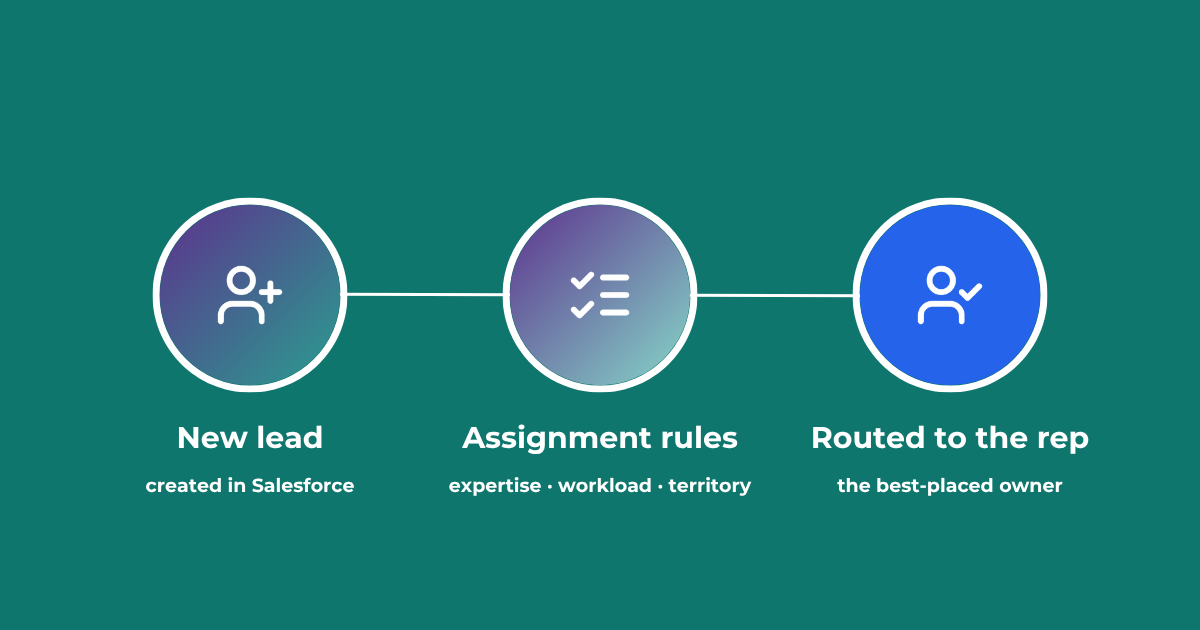
Lead Assignment Rules in Salesforce: Automate with Q-assign
This comprehensive guide to optimizing lead assignment rules in Salesforce will stand you in good stead for maximizing your sales reps’ productivity and performance. Understand the benefits of highly effective lead assignment, explore Salesforce best practices and stay ahead of the competition – with added insights into AI-driven revenue orchestration
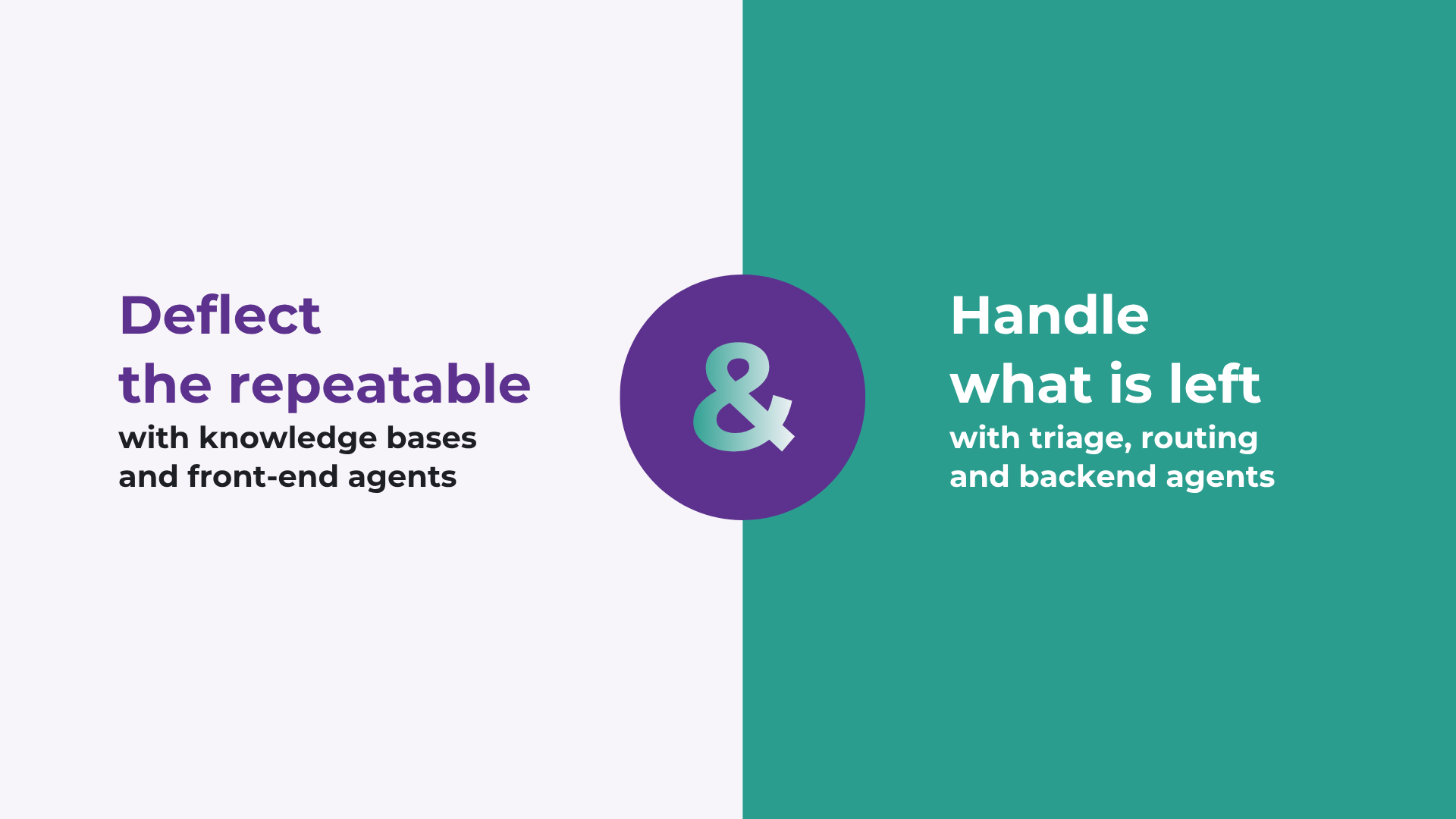
How to improve Salesforce case deflection rates
Deflection only solves half the problem. The cases that do not deflect are the ones that breach SLA. How to improve deflection rates, and how to handle what is left.

Calling Salesforce is easy. Defining what happens next is the hard part.
Salesforce workflows don’t break because of missing automation. They break because no single system defines what should happen. Here’s what actually fixes it.
READY TO SEE IT IN ACTION
Map your workflows with our team.
30 minutes, no prep needed. We will map one workflow you handle today and identify where orchestration would change the outcome.