Stopping Silent Lead Decay in High Volume Salesforce Workflows

The Hidden Cost of Unsupervised Leads
In high-volume sales, the moment after a lead is assigned is often the most perilous. This is where silent lead decay begins – a system-level failure that allows interested prospects to vanish without a trace. It is not the fault of an individual sales representative. It is an operational blind spot that occurs after assignment but before any meaningful engagement is logged.
This failure in high-volume lead management is driven by recurring operational patterns. Leads are routed but follow-up is delayed. Round-robin assignments distribute work evenly on paper but ignore the reality of a representative’s current workload or out-of-office status. Most critically, the system itself has no mechanism to flag a lead that has become stagnant.
We have all seen the consequences. A prospect submits a demo request, gets assigned instantly and then hears nothing. The failure is not in the routing logic but in the absence of supervision. At scale, the costs compound quickly. It erodes the value of your pipeline, wastes marketing spend and damages your brand’s reputation every time an interested buyer is met with silence. To prevent lead decay, the system must do more than just assign work – it must ensure the work gets done.
From Passive Assignment to Active Supervision

The typical approach to Salesforce lead assignment is often ‘fire-and-forget’. A lead arrives, a rule fires and the record is passed to a new owner. The system’s job is considered done. This passive model is a primary cause of failure in high-volume environments. It assumes that assignment equals action, which is a dangerous assumption when representatives are managing dozens of competing priorities.
A more resilient approach requires a shift to active lead supervision in Salesforce. Here, the system’s responsibility extends beyond the initial handoff. It must continuously monitor the lead to verify that engagement has occurred. Basic round-robin distribution is particularly vulnerable because it creates hidden bottlenecks. A representative who is already overloaded or on holiday can become a black hole for new leads, letting them accumulate and decay while the system continues to send more.
The solution is to build automated ‘health checks’ into your workflow. This is a core orchestration pattern where the system is configured to look for an engagement signal – like a status change, a logged call or a sent email – within a defined time window. If that signal is missing, the system must trigger a corrective action. This reframes Salesforce from a passive database into an active system of work that actively safeguards the pipeline. Building this requires a solid foundation, as a well-structured approach to lead assignment in Salesforce is the first step toward effective supervision.
Orchestration Models for Lead Supervision
Moving from theory to practice requires concrete, repeatable lead orchestration models. These patterns turn Salesforce into a proactive supervisor, ensuring no lead is left behind. Two primary models provide a strong starting point for any team looking to improve its process.
- The ‘Stagnation Alert’ Model: This is the first line of defence. A workflow monitors each lead after it is assigned. If a key field like ‘Status’ or the ‘Last Activity Date’ remains unchanged after a set period – for example, 12 hours for a high-priority lead – the system automatically sends a notification. This alert should go to both the lead owner and their manager, creating visibility and prompting action before the lead goes cold.
- The ‘Automated Re-assignment’ Model: This model activates when a stagnation alert is ignored. If a lead remains untouched for a further period after the initial alert, the system intervenes directly. It removes the lead from the current owner and re-routes it to an available representative or a specialist queue. This prevents a single point of failure from halting a prospect’s journey. This pattern is well-established in enterprise systems. As noted in their documentation, platforms like Oracle’s Monitoring Engine can be configured to automatically send reminders or re-route records if no activity occurs, confirming its value in complex operations.
These models are most effective when supported by a dedicated supervisory dashboard. This gives operations leaders a real-time view of rep workloads, leads approaching SLA breaches and the frequency of re-assignments, turning raw data into operational intelligence.
| Factor | Stagnation Alert Model | Automated Re-assignment Model |
|---|---|---|
| Primary Goal | Notify and prompt action | Ensure progression and bypass bottlenecks |
| Trigger | Time-based inactivity (e.g., 12 hours no status change) | Ignored stagnation alert (e.g., 24 hours no activity) |
| System Action | Sends notification to owner and manager | Removes lead from owner and re-routes to new queue |
| Best For | Initial line of defence; coaching opportunities | Critical, high-value leads; ensuring SLA compliance |
| Operational Risk | Alert fatigue if triggers are too sensitive | Can mask underlying rep performance or capacity issues |
Measuring and Refining Your Supervision Strategy

Implementing supervision models is not a one-time fix. It is the start of a continuous improvement loop driven by data. To understand if your strategy is working, you must track the right performance indicators. These metrics provide clear signals about the health of your lead flow and highlight areas for refinement.
Focus on a few key metrics:
- Average Time to First Contact: The most direct measure of lead responsiveness. A falling average time indicates your supervision is working.
- Percentage of Leads Triggering a No-Activity Alert: A high rate here may suggest that initial assignment rules are misaligned with team capacity or that reps are overwhelmed.
- Rate of Automated Re-assignment: If this number is consistently high for specific teams or individuals, it is a clear signal to investigate workload balancing, training needs or underlying performance issues.
Interpreting this data allows you to fine-tune your system. A high alert rate might mean your lead qualification criteria are too broad, while a high re-assignment rate points to bottlenecks in the team. Preventing silent lead decay requires this systemic approach – combining capacity-aware routing, automated monitoring and real-time supervision. It is how you build truly resilient sales workflows that protect revenue and improve customer experience.
Ask an Expert any question about preventing silent lead decay by emailing sales@ortooapps.com.
Related insights
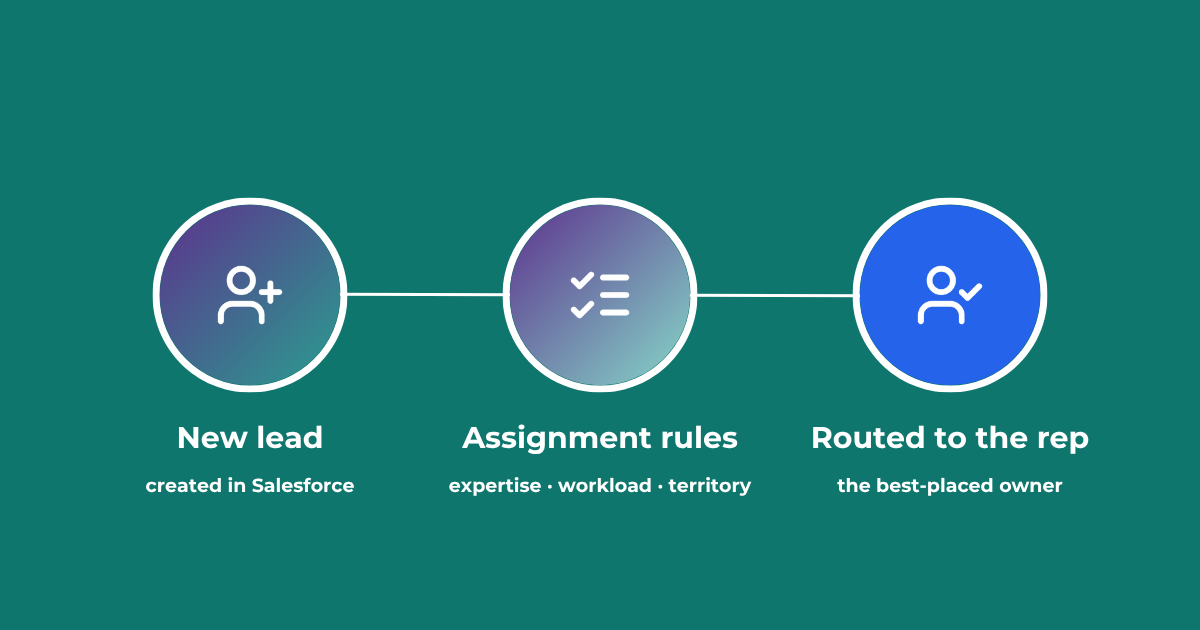
Lead Assignment Rules in Salesforce: Automate with Q-assign
This comprehensive guide to optimizing lead assignment rules in Salesforce will stand you in good stead for maximizing your sales reps’ productivity and performance. Understand the benefits of highly effective lead assignment, explore Salesforce best practices and stay ahead of the competition – with added insights into AI-driven revenue orchestration
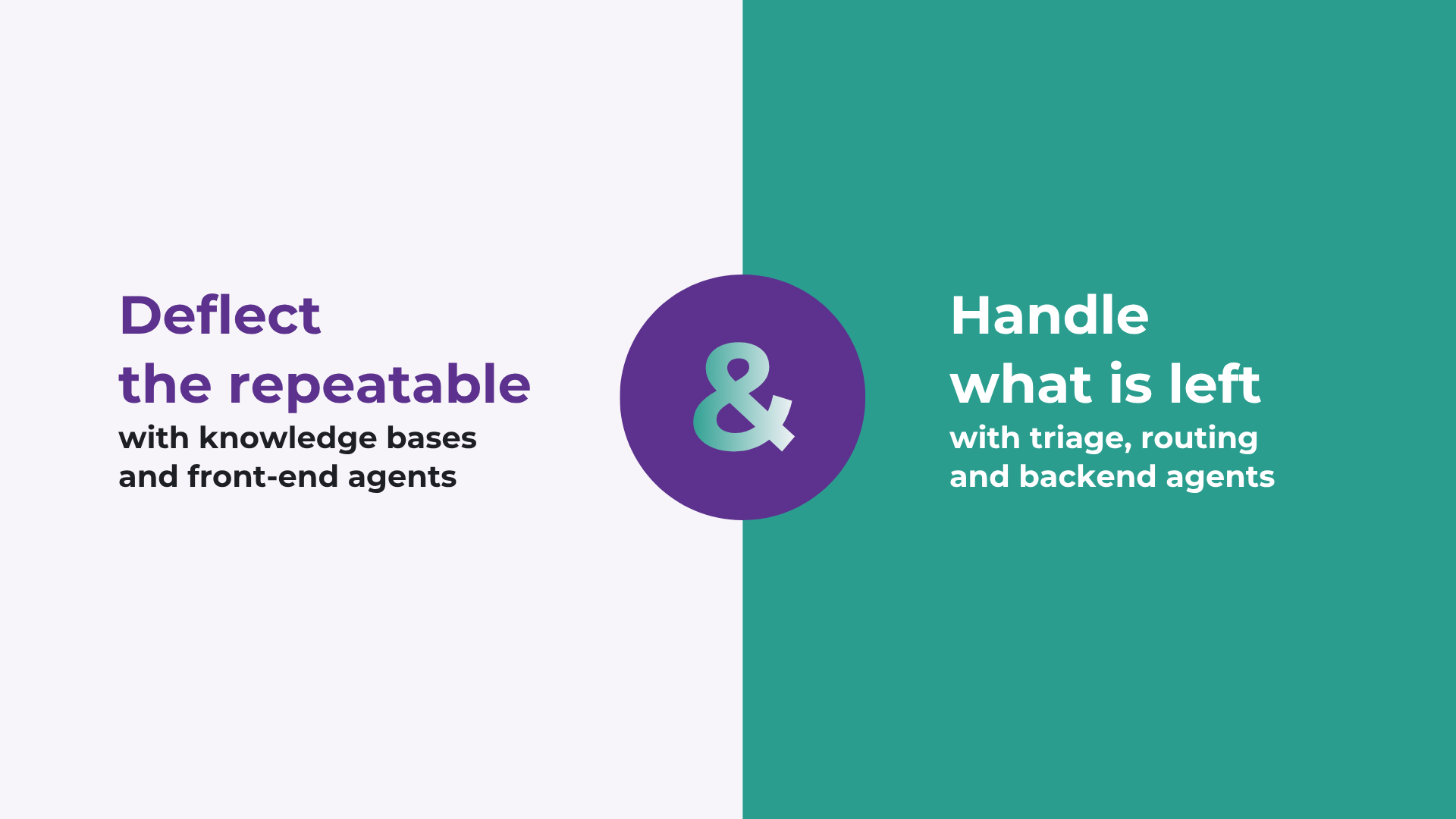
How to improve Salesforce case deflection rates
Deflection only solves half the problem. The cases that do not deflect are the ones that breach SLA. How to improve deflection rates, and how to handle what is left.

Calling Salesforce is easy. Defining what happens next is the hard part.
Salesforce workflows don’t break because of missing automation. They break because no single system defines what should happen. Here’s what actually fixes it.
READY TO SEE IT IN ACTION
Map your workflows with our team.
30 minutes, no prep needed. We will map one workflow you handle today and identify where orchestration would change the outcome.