
Salesforce Outlook integration has never been easier , thanks to Email-to-anything, the top-rated AppExchange app. Receive emails directly in any Salesforce object. Send emails to distribution lists. Capture responses. Store and view historical email conversations. With Email-to-anything, your Salesforce users never need to leave their Salesforce UI again.
The Productivity Problem
Salesforce users are creatures of habit. They rely on Outlook for email communications and Salesforce for CRM management. The problem is that constantly switching between these two systems leads to inefficiency, wasted time, and a loss of productivity. A user working in a non-integrated environment must navigate a frustrating workflow every time they interact with emails:
- Look up the relevant record in Salesforce
- Assess the situation and take notes
- Switch to Outlook to compose an email
- Reference Salesforce notes while drafting
- Send the email and return to Salesforce for further work
- Later, switch back to Outlook to look for a response
This cycle repeats endlessly, breaking concentration and slowing down workflows. The more time a user spends toggling between applications, the greater the risk of missing critical information, misplacing customer interactions, or failing to follow up promptly.
Wouldn’t it be great if a user, whether a salesperson, customer service rep, or any other role, could send an email from Salesforce, track replies within Salesforce, and store entire email conversations, including attachments, without ever needing to switch to Outlook? Now they can, with Email-to-anything.
Salesforce Outlook Integration , The Smart Way
Integrating Outlook with Salesforce is as simple as installing Email-to-anything. This AppExchange solution enables seamless email management within Salesforce, allowing users to send and receive emails directly from any Salesforce object. Instead of jumping between applications, a sales rep or service agent can draft a fully formatted email within Salesforce using the advanced email editor built into Email-to-anything. The email can be sent to any Lead or Contact in the database, ensuring seamless communication without leaving the Salesforce environment.
Salesforce Distribution Lists for Bulk Emailing
With Email-to-anything, users can create and send emails to predefined distribution lists directly from Salesforce. Whether targeting a group of prospects with shared attributes or reaching out to contacts based on job titles or statuses, this feature simplifies bulk communication. Unlike external email tools, Email-to-anything ensures all email interactions are logged against the relevant Salesforce records, providing complete visibility into all outbound communications.
Automatic Email Capture , No More Manual Logging
One of the most powerful features of Email-to-anything is its ability to capture email replies and route them back into Salesforce. This eliminates the need for manual data entry and ensures every customer interaction is properly recorded.
For example, if a sales rep emails a prospective customer, Email-to-anything automatically logs the outbound email under the corresponding Lead record in Salesforce. If the recipient replies, the response is automatically captured and linked to the same Lead record. This creates a complete, trackable conversation history within Salesforce.
The same functionality applies to customer service teams handling Cases. If an agent sends an email directly from a Case record, any reply from the customer is automatically linked back to the same Case. This ensures that customer support interactions are always documented in full, improving accountability and enhancing customer service workflows.
Creating New Leads and Cases from Emails
Beyond tracking email threads, Email-to-anything also supports automated record creation through “Email to Lead” and “Email to Case” functionalities. When an email is received, the system first checks for an existing Salesforce record. If a match is found, the email is attached to the existing Lead, Opportunity, Case, or Contact. However, if no match is found, Email-to-anything automatically creates a new record in Salesforce.
For sales teams, this means new inquiries are instantly converted into Leads and assigned to a sales rep for follow-up. For customer service teams, new emails from customers are converted into Cases and routed to the appropriate service agent. This automation reduces administrative tasks, prevents missed inquiries, and ensures prompt follow-ups.
Eliminating Duplicate Records with Intelligent Thread Matching
Duplicate records are a persistent issue in Salesforce, often leading to confusion, inefficiencies, and data integrity problems. Email-to-anything solves this challenge with a unique thread ID system. Each email thread is assigned an identifier that ensures replies and follow-ups are correctly associated with the original Salesforce record.
This intelligent tracking prevents duplicate Leads, Opportunities, and Cases from being created unnecessarily. A new record is only generated if the system determines that the incoming email is a brand-new inquiry. This level of precision keeps Salesforce data clean and ensures that every email interaction is correctly logged.
Why Salesforce Outlook Integration Matters
The ability to integrate Outlook with Salesforce without requiring external plugins is a game-changer for sales, customer service, and operations teams. Here’s why:
- Increased Productivity: Eliminating the need to switch between Outlook and Salesforce reduces time wasted on repetitive tasks.
- Better Data Accuracy: Automating email capture and response tracking ensures all interactions are recorded correctly.
- Faster Response Times: Automated email-to-case and email-to-lead features streamline workflows and reduce delays.
- Improved Collaboration: With a centralized email history stored within Salesforce, teams can work more efficiently and provide better customer service.
- Reduced IT Complexity: Unlike traditional Outlook plugins, Email-to-anything requires no additional software installations, reducing IT overhead and compatibility issues.
The Future of Email Management in Salesforce
As businesses continue to embrace digital transformation, seamless email integration within Salesforce will become an even greater necessity. AI-driven automation will play a crucial role in email management, helping businesses automatically categorize, prioritize, and respond to emails without manual intervention.
With solutions like Email-to-anything, Salesforce users can stay ahead of the curve by ensuring their CRM system captures every email interaction with precision. The days of toggling between Outlook and Salesforce are over, now, all email communications can be managed directly within the Salesforce UI.
For businesses looking to optimize their Salesforce Outlook integration, Email-to-anything is the answer. By transforming email workflows, automating data capture, and eliminating inefficiencies, this innovative solution ensures that sales and service teams operate at peak performance.
Ortoo’s 5-star-rated app, Email-to-anything, is an intelligent email automation app which is 100% native to Salesforce. You can learn more here or take a look at it on the AppExchange, where it’s available to download on a 30-day trial.
Related insights
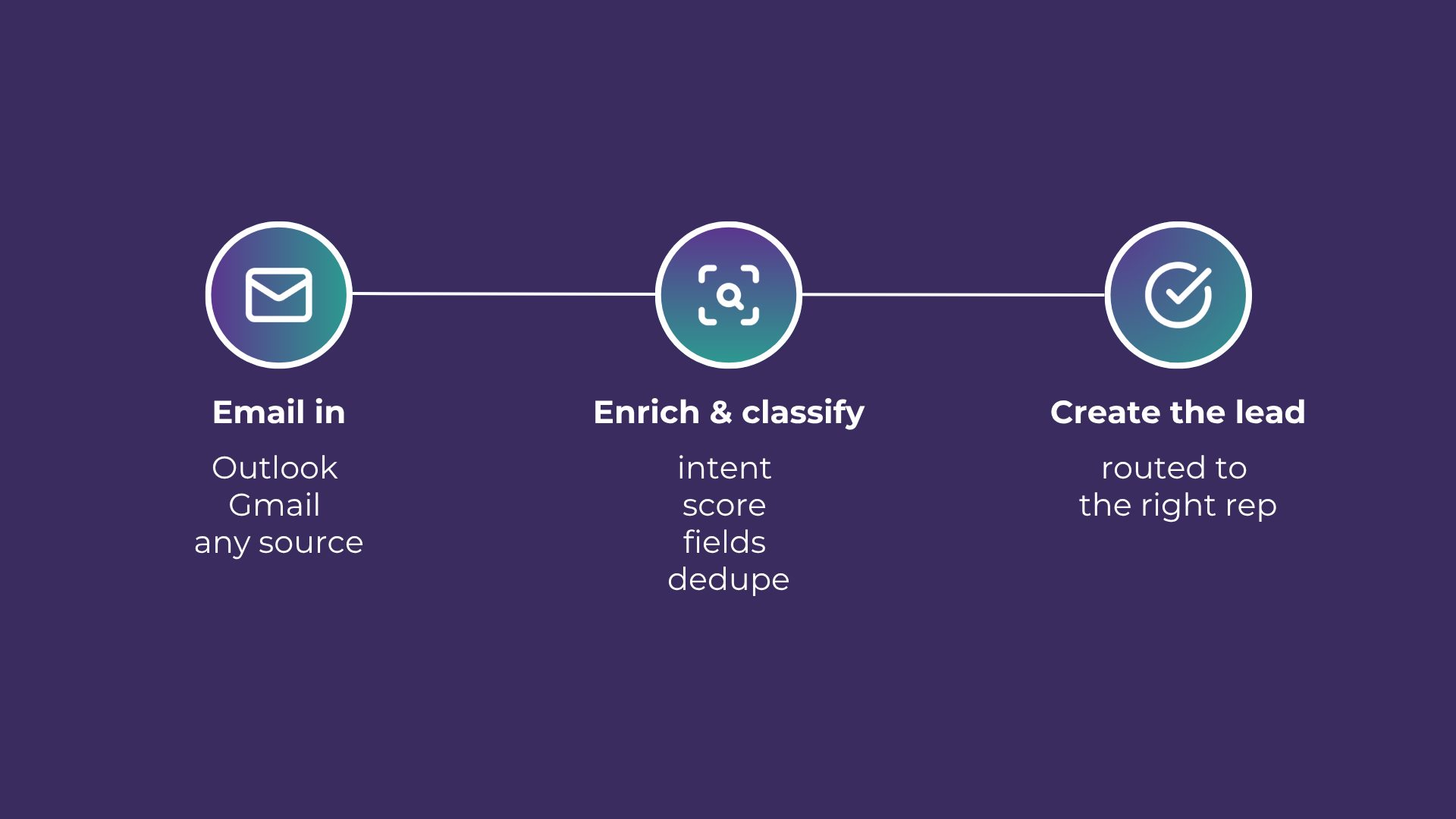
Email-to-Lead: Salesforce Lead Management with AI
Lead management is the lifeblood of any successful sales operation. At a time where customer expectations are higher than ever, ensuring that potential leads are captured and nurtured effectively can make all the difference. Introducing Email-to-Lead – AI Edition.
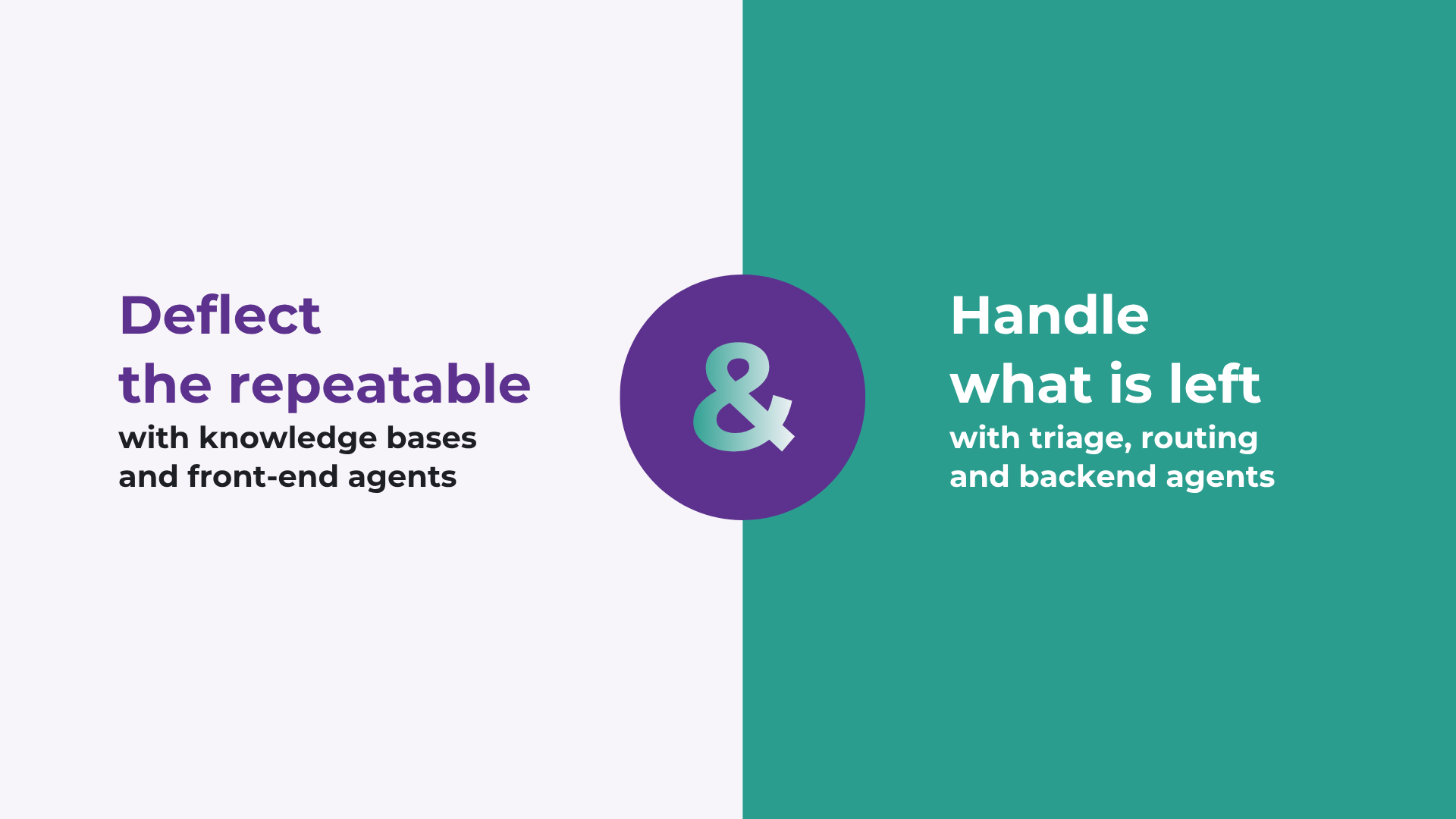
How to improve Salesforce case deflection rates
Deflection only solves half the problem. The cases that do not deflect are the ones that breach SLA. How to improve deflection rates, and how to handle what is left.

Stopping SLA Breaches in High Volume Salesforce Workflows
Learn how to move from reactive reporting to proactive management for better service level agreement adherence.
READY TO SEE IT IN ACTION
Map your workflows with our team.
30 minutes, no prep needed. We will map one workflow you handle today and identify where orchestration would change the outcome.