Salesforce Email Management: From Chaos to Clarity

The Hidden Cost of Poor Email Management
Email is one of the most important business communication channels, yet for many Salesforce users, it remains a disconnected and inefficient system. Instead of acting as a seamless part of their CRM, emails are often trapped in personal inboxes, requiring manual logging and tracking. This leads to lost data, wasted time and missed opportunities.
Sales reps spend valuable hours copying emails into Salesforce. Support teams struggle to track customer conversations. Compliance teams face risks when regulatory emails go untracked. Without a structured approach to email management, businesses lack visibility, productivity declines and customer experience suffers.
To solve this, businesses need a system where emails are automatically captured, categorized and turned into actionable data inside Salesforce. AI-powered automation and intelligent workflows can transform email from a source of inefficiency into a powerful driver of sales, service and operational success.
The Problem: Why Email in Salesforce is Broken
Despite being a powerful CRM, Salesforce often lacks structured email management. Key challenges include:
- Data Silos: Emails live in Outlook, Gmail and personal inboxes instead of being centralized in Salesforce. This creates fragmented customer histories and reduces team collaboration.
- Manual Data Entry: Sales and service teams waste time logging emails manually, leading to errors and inefficiencies.
- Missed Automation: Without integration, businesses fail to automate workflows such as lead qualification, service escalations and compliance tracking.
- Compliance Risks: Untracked emails pose risks in regulated industries, where businesses must ensure proper documentation and security.
A Unified Vision: What Effective Email Management Should Look Like
Email management in Salesforce should go beyond basic logging. A truly effective system should:
- Capture every relevant email and link it to the correct record (Leads, Opportunities, Cases, Work Orders or Custom Objects).
- Automate workflows, triggering follow-ups, escalations and next-best actions.
- Use AI to prioritize emails, detect sentiment and surface urgent messages.
- Provide full visibility into all email interactions, ensuring data is structured, accessible and actionable.
The Five Pillars of Effective Email Management in Salesforce
1. Automated Email Capture and Logging
Manually entering emails into Salesforce is inefficient and error-prone. Every important email should be automatically captured and linked to the appropriate Salesforce record. This eliminates the need for manual copy-pasting and ensures a complete, up-to-date view of customer interactions.
Key Benefits:
- Saves time by eliminating manual email entry.
- Ensures accurate and complete records for sales, service and compliance teams.
- Improves collaboration by making email data accessible to all relevant stakeholders.
2. AI-Powered Email Triage and Prioritization
Not all emails are equally important. AI can analyze incoming messages to determine urgency, sentiment and intent, helping teams focus on high-value interactions first.
Use Cases:
- Sales teams can automatically prioritize high-intent leads based on email engagement and sentiment.
- Support teams can escalate urgent service requests based on detected frustration or critical keywords.
- Compliance teams can flag regulatory or legal inquiries for immediate review.
3. Seamless Email-to-Action Workflows
An effective system does more than store emails – it ensures they drive business processes. Emails should trigger Salesforce actions, such as creating leads, assigning tasks or escalating urgent requests.
Examples:
- A sales inquiry automatically creates a new Opportunity and assigns it to the appropriate rep.
- A compliance email generates a Case, routes it to the legal team and tracks deadlines.
- A support request triggers an automated response and follow-up task for a service agent.
4. Advanced Email Analytics and Reporting
To optimize email communication, businesses need data-driven insights. Salesforce should track key email performance metrics, including response times, engagement rates and resolution speed.
Insights Gained:
- Sales teams can identify which email sequences drive the most conversions.
- Support managers can monitor response times and SLA compliance.
- Compliance officers can ensure regulatory emails are handled within required timeframes.
5. Deep Salesforce Integration and AI-Driven Automation
Email should be fully embedded into Salesforce workflows so teams can manage communications without switching between systems. AI-driven automation ensures that email data is structured, analyzed and used to drive better decision-making.
Key Advantages:
- Reduces the risk of missed emails and lost opportunities.
- Enhances productivity by automating routine email-based tasks.
- Ensures emails contribute to broader business intelligence and CRM strategies.
The Future of Email Management in Salesforce
AI and automation are transforming how businesses handle email. Key trends include:
- Hyper-Personalization: AI will enable more tailored email responses based on customer history and preferences.
- Predictive Automation: Emails will trigger next-best actions automatically, reducing manual intervention.
- No-Code Workflow Builders: Business users will be able to create custom email automation workflows without needing IT support.
By adopting AI-powered email management, businesses can ensure that every customer interaction is captured, analyzed and optimized for better outcomes.
How to Get Started
To improve email management in Salesforce, businesses should:
- Audit their current email processes to identify inefficiencies and missed opportunities.
- Implement AI-powered automation to capture, categorize and prioritize emails.
- Ensure seamless integration with Salesforce workflows to drive action from every email.
Effective email management in Salesforce is no longer just about logging conversations – it’s about turning emails into structured, actionable data that fuels sales, service, and compliance workflows. Businesses that embrace automation, AI-powered triage, and seamless integration can eliminate inefficiencies, improve response times, and ensure that no critical email is lost.
To achieve this, companies need more than just basic email logging – they need a native, intelligent solution that automates and prioritizes email workflows across Salesforce.
Call-to-Action:
- See it in action: Explore how Ortoo’s Email-to-Anything and Smart Actions can transform your Salesforce email workflows. Watch the demo on the AppExchange .
- Let’s talk: If you’re ready to discuss your Salesforce email challenges, we’d love to help. Get in touch with our team to ask questions or explore solutions .
Related insights
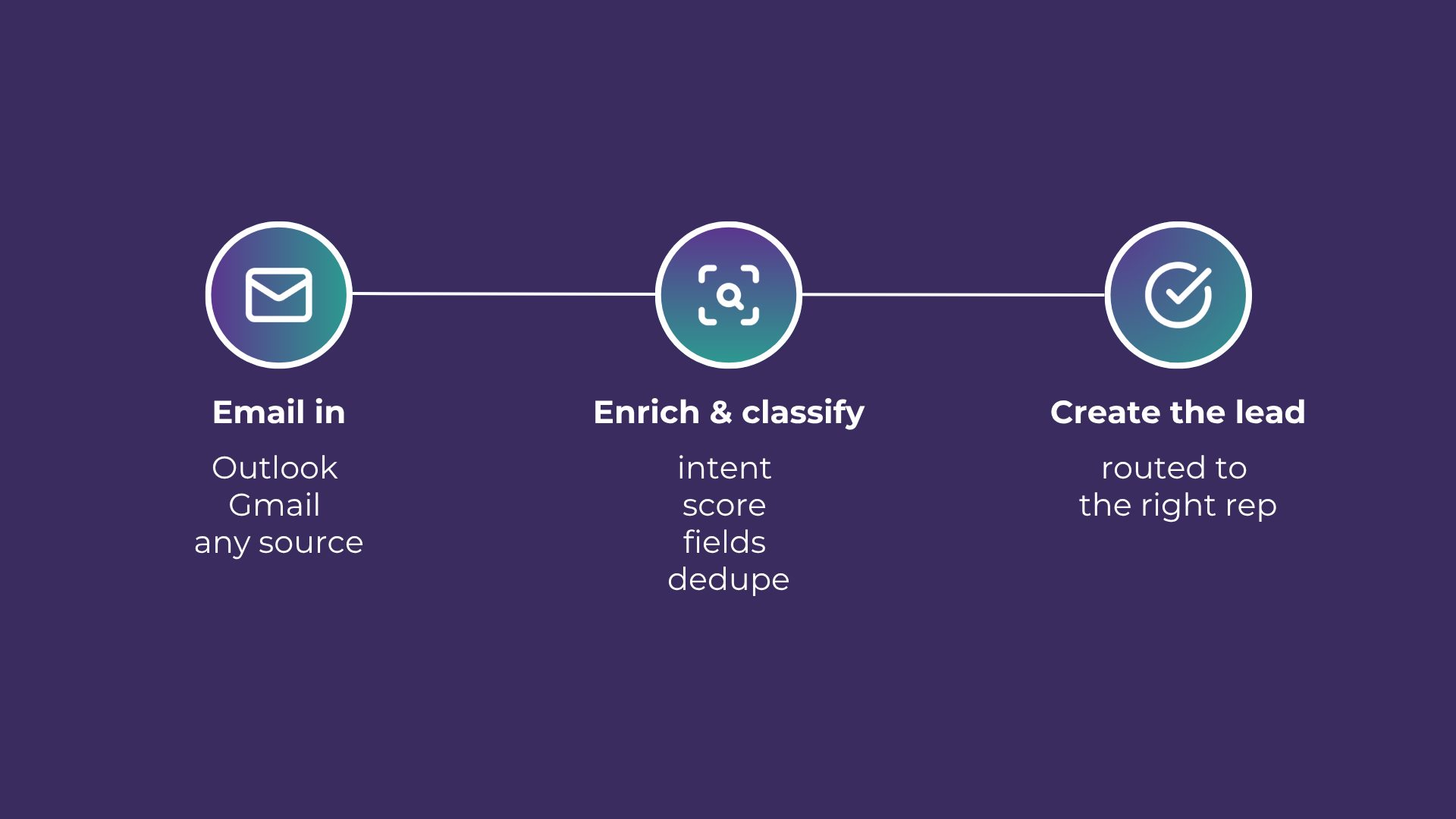
Email-to-Lead: Salesforce Lead Management with AI
Lead management is the lifeblood of any successful sales operation. At a time where customer expectations are higher than ever, ensuring that potential leads are captured and nurtured effectively can make all the difference. Introducing Email-to-Lead – AI Edition.

How to improve Salesforce case deflection rates
Deflection only solves half the problem. The cases that do not deflect are the ones that breach SLA. How to improve deflection rates, and how to handle what is left.

Stopping SLA Breaches in High Volume Salesforce Workflows
Learn how to move from reactive reporting to proactive management for better service level agreement adherence.
READY TO SEE IT IN ACTION
Map your workflows with our team.
30 minutes, no prep needed. We will map one workflow you handle today and identify where orchestration would change the outcome.