Why You Should Automatically Save Email History In Salesforce

When it comes to communication, clients & prospects love nothing more than businesses who know their account inside out and can respond to their queries in the given moment , without having to chase down details or call back. The brands who get this, understand the importance of logging all customer interactions and keeping accurate notes which reflect what’s important to individual customers. With this in mind, it’s crucial to automatically save your email history in Salesforce and to go one step further by logging emails to the appropriate Salesforce objects.
A lot of businesses do make use of this practice, but you would be surprised by the number of firms who simply don’t. Some companies prefer not to store sent emails against Salesforce records, because they feel that the process is too long winded , with time being wasted on manual administration each time a new email lands or is sent. However, the whole process can now be automated, you only need to do the setup once (which maps your ongoing email chains to a unique thread ID), meaning emails are instantaneously stored against the Salesforce objects & records they are connected to. There is a huge amount of value to be added here, and if you are one of the few companies which manually upload email conversations to your Salesforce records, then to automatically log emails to appropriate Salesforce records should save you lots of hours.
What Are The Benefits?
We believe this setup is something all Salesforce organisations should be adopting. There are some fantastic benefits when storing sent emails against Salesforce records and some of them help the customer base, as well as the organisation:
#1 , It Improves The Sales Conversion Rate
Having access to historical email conversations in Salesforce is hugely beneficial for Sales based contacts. In some sectors, sales can take months to fully convert & can involve between 5 to 10 different scheduled conversations or introductions. If the email history is neatly maintained against each of the appropriate records, then sales contacts can get a fuller picture of the story so far. In essence they can potentially see what has already been promised, any agreed price points, important product feedback and any red lines for the prospect in question. This is all mission critical & by having this information readily accessible it creates extra confidence in the business. Sales contacts will be perceived to be more organised & will be able to have a more in-depth discussion around the specific needs of the new customer.
#2 , It Helps Resolve Disputes
When you automatically save email history in Salesforce, you have a detailed record of everything that has been said across email. This can be extremely useful when dealing with unhappy customers. If someone is dissatisfied with the service they have received, it’s very easy to make them more irate by not understanding where they are coming from and not having a record of their previous communications. If you log emails to appropriate salesforce objects then you might be able to see if they have raised concerns previously and what responses they have received on behalf of the company. The email thread is an important component for quantifying whether what they are saying is truthful, it can also help the business act swifter to make sure the conflict is resolved & the business isn’t lost.
#3 , It Assists Staff Rotation Or Turnover
Being able to view historical email conversations in Salesforce is particularly useful for organisations who have sizeable teams. In sectors such as insurance or finance, customers may not always be able to speak to the exact same business representative. It’s not unusual for customers to sometimes speak to a different business contact each time they email or call, if this is the case then the new representative has to have a solid understanding of what the client is looking for. Customers often appreciate contact consistency however when this isn’t possible the business needs to be doing all it can to ensure there is a seamless experience; one where any internal contact in the business has the exact same information to work with. When you automatically store sent emails against Salesforce records, you improve the overall level of organisation & ensure new contacts have more of the information they need to make a valid first impression.
Automatically Save Your Email History In Salesforce
We hope you agree that historical email conversations in Salesforce should be highly visible. To get this setup you will need to invest some time utilising Salesforce’s inbuilt ‘Email to Salesforce’ functionality. This provides a basic level of automation, but you might not be able to store emails against the full set of possible Salesforce objects. Instead, we would recommend investing in an affordable third party app like our Email-to-anything; which will allow you to store emails against any Salesforce record of your choosing. You can also include any email attachments as part of the process and the app works seamlessly with the majority of email service providers like Gmail & Outlook.
Related insights
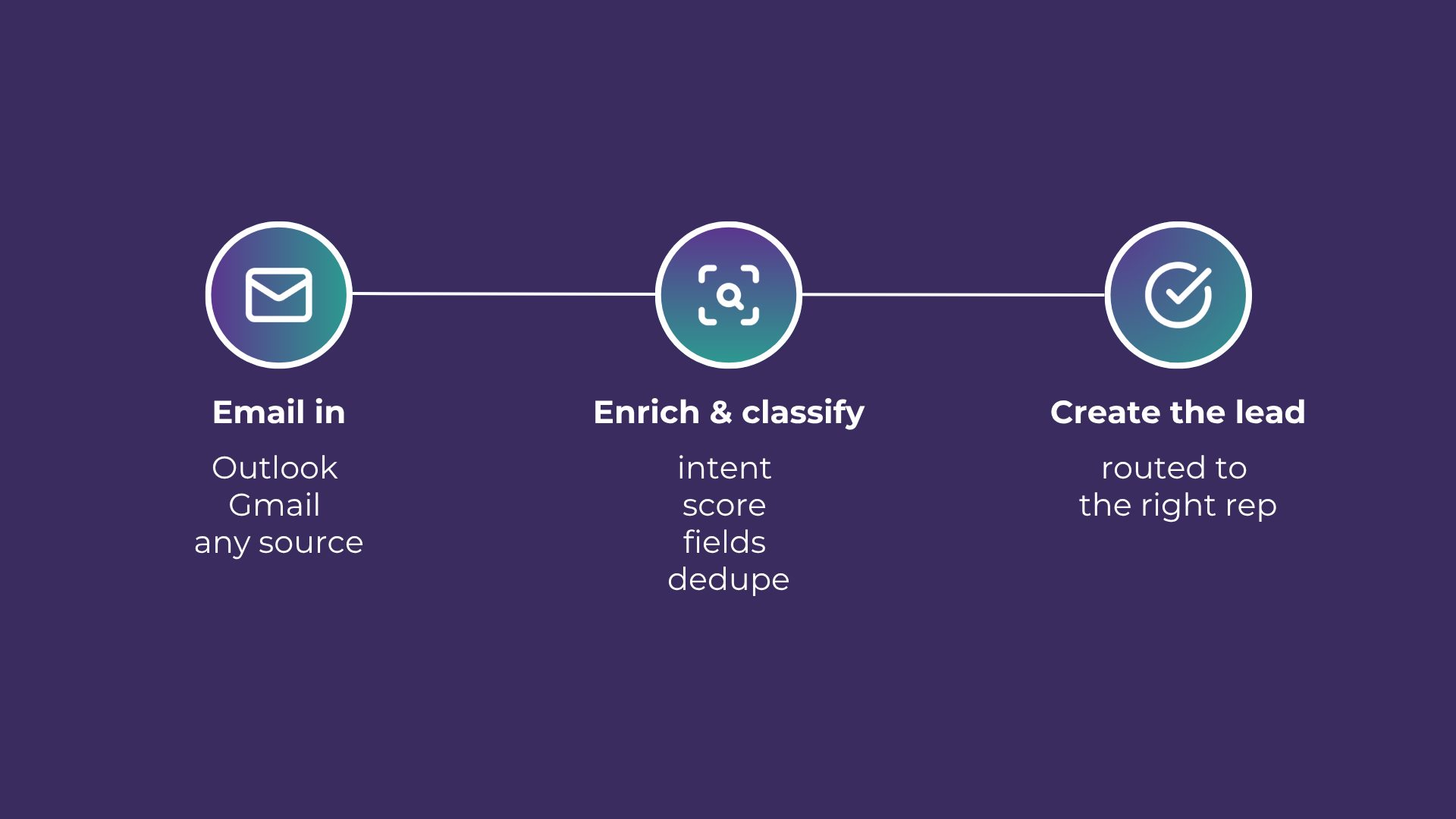
Email-to-Lead: Salesforce Lead Management with AI
Lead management is the lifeblood of any successful sales operation. At a time where customer expectations are higher than ever, ensuring that potential leads are captured and nurtured effectively can make all the difference. Introducing Email-to-Lead – AI Edition.
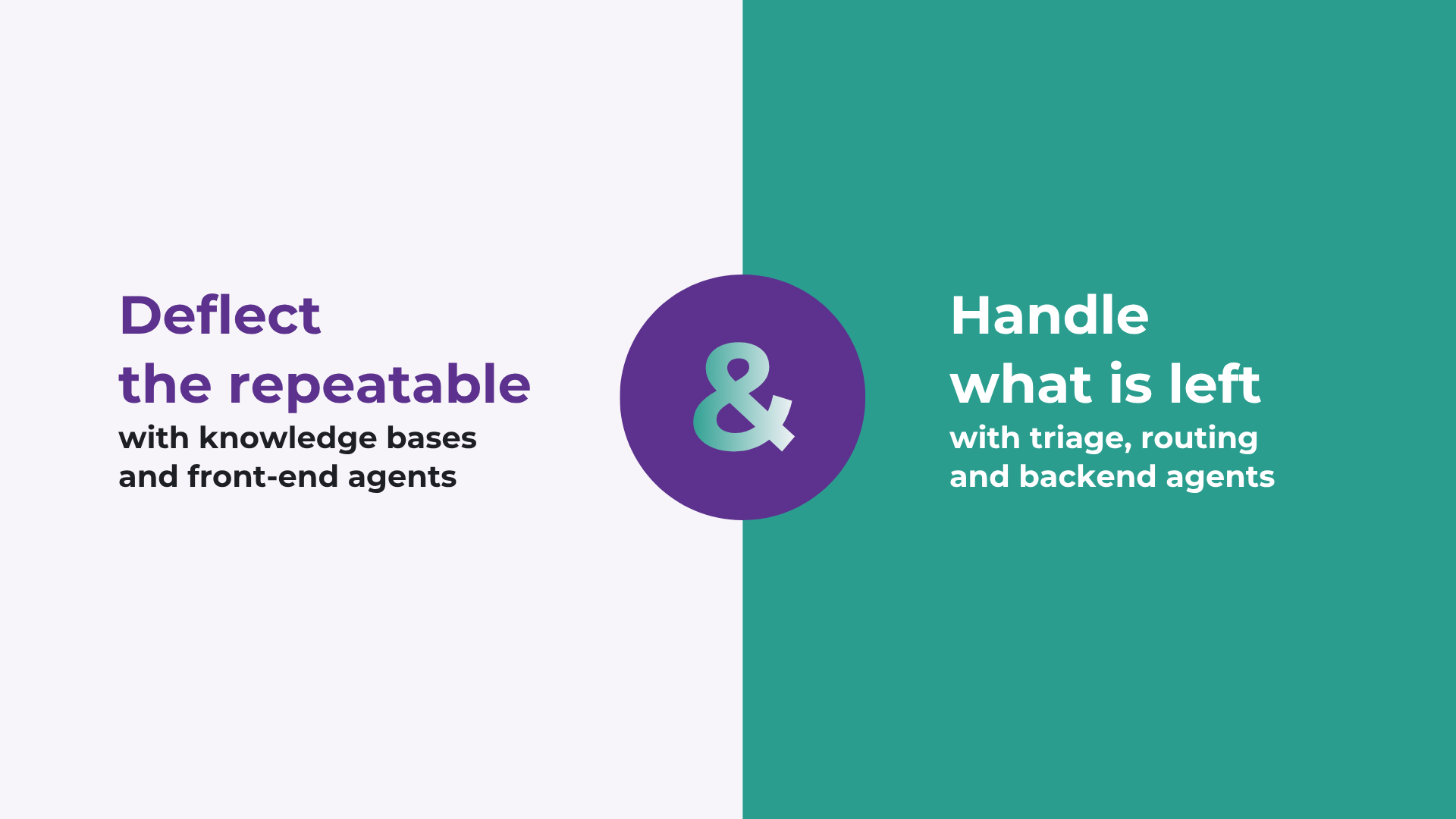
How to improve Salesforce case deflection rates
Deflection only solves half the problem. The cases that do not deflect are the ones that breach SLA. How to improve deflection rates, and how to handle what is left.

Stopping SLA Breaches in High Volume Salesforce Workflows
Learn how to move from reactive reporting to proactive management for better service level agreement adherence.
READY TO SEE IT IN ACTION
Map your workflows with our team.
30 minutes, no prep needed. We will map one workflow you handle today and identify where orchestration would change the outcome.