
Automatically reassign queued and neglected leads
Assigning a lead to a sales rep is fairly straight-forward. Salesforce can do it using native assignment rules. Pardot can also do the first assignment. But what about reassignment? What if, for whatever reason, the original assignee is unable or unwilling to process a lead which is assigned to them? That’s when intelligent assignment rules come in.
Speed-to-lead is critical
In a busy sales team, bottlenecks can develop very quickly. Where inbound lead volume is high, leads can get stuck in a queue, waiting for their allocated sales rep to finish processing the previous lead (or the one before that). But slow lead response times can kill any sales team. Leads go cold quickly and, if they are not responded to in a timely manner, the potential for conversion will reduce dramatically. The answer is to deploy intelligent assignment rules that can reassign leads instantly , as and when appropriate.
Automatically reassign queued leads
In a high performance sales team, dynamic assignment rules are used to constantly check on queue times and agent workload. An intelligent assignment app, like Q-assign, can be configured to automatically reassign any lead which has been waiting for X minutes , or even X seconds. So, when a rep becomes overloaded, any leads stacked up in his or her queue can be automatically re-assigned to an available sales rep.
Reassign to first available rep
Where all of the reps are busy, you can deploy an assignment rule which reassigns queued leads to the first rep to become available. Where there are multiple leads queued up, they can be ranked and prioritized based on any number of attributes and reassigned out as and when reps become available.
Reassign to best available rep
Where a lead is assigned to a sales rep that is busy, and there are multiple other reps available, Q-assign can match the lead to the very best available rep, base on the attributes of that rep. e.g. by skill-set, experience, capacity, location or language.
Maximize throughput, productivity and performance
By minimizing queue times, and therefore response times, lead throughput can be maintained, productivity optimized and overall team performance maximized.
Related insights
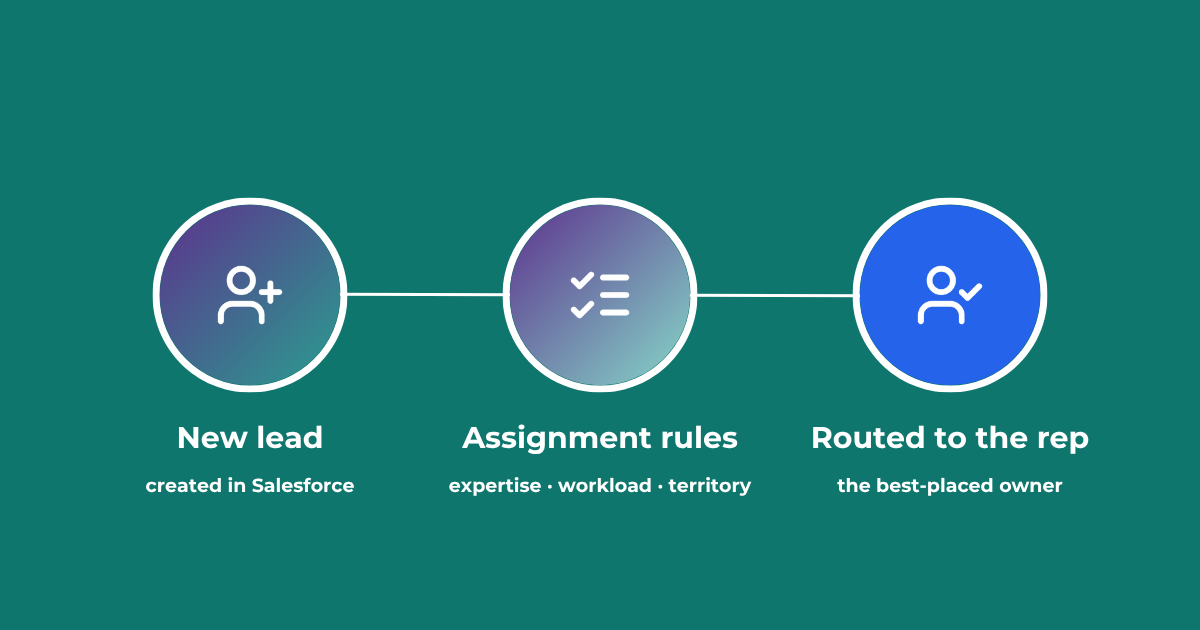
Lead Assignment Rules in Salesforce: Automate with Q-assign
This comprehensive guide to optimizing lead assignment rules in Salesforce will stand you in good stead for maximizing your sales reps’ productivity and performance. Understand the benefits of highly effective lead assignment, explore Salesforce best practices and stay ahead of the competition – with added insights into AI-driven revenue orchestration
Lead to Account Matching: Seamlessly Connect Leads to Accounts in Salesforce
Lead to account matching connects every inbound lead to the right account in Salesforce. Here is how it works, where it breaks, and how to automate it without manual data entry.
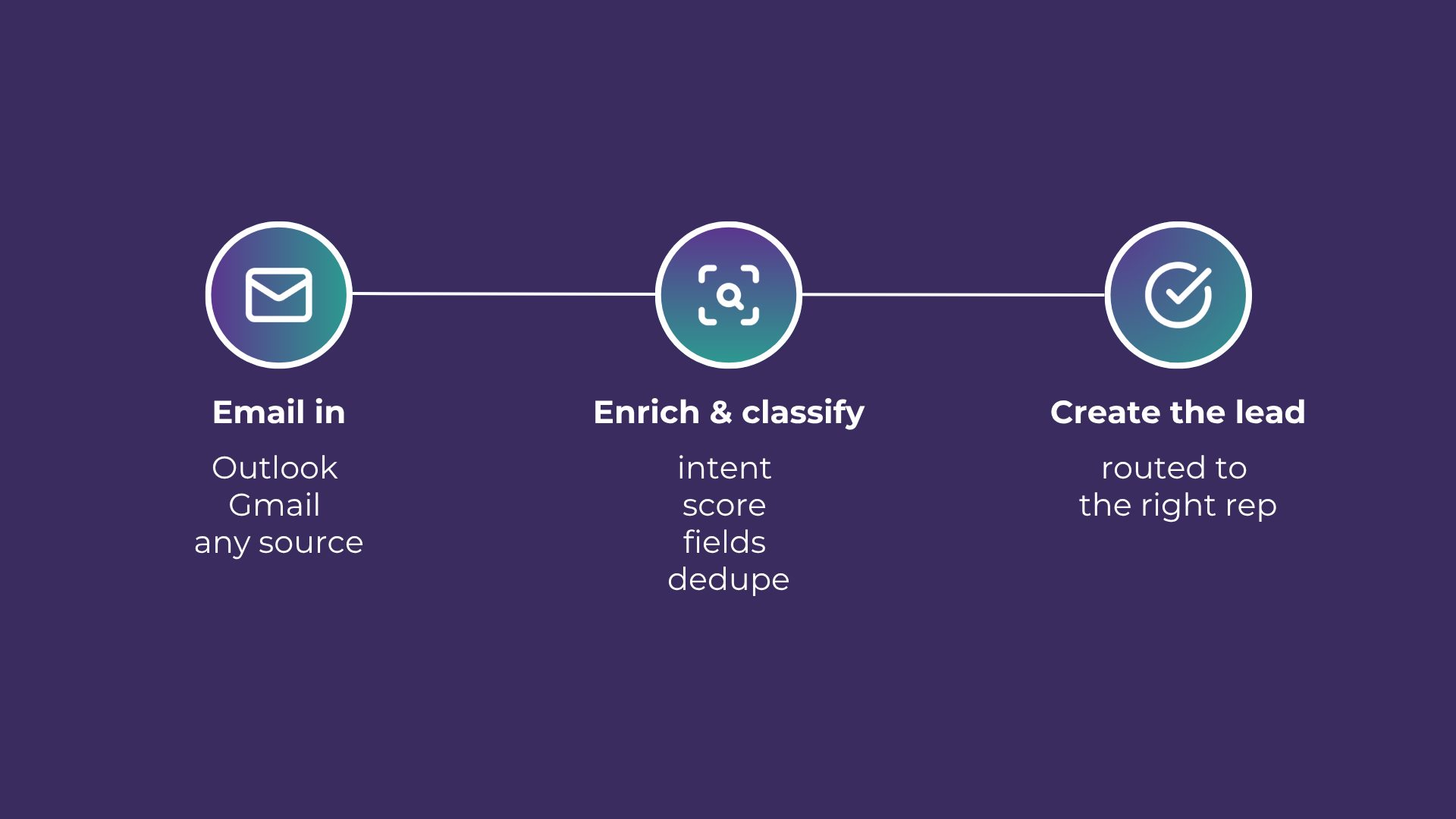
Email-to-Lead: Salesforce Lead Management with AI
Lead management is the lifeblood of any successful sales operation. At a time where customer expectations are higher than ever, ensuring that potential leads are captured and nurtured effectively can make all the difference. Introducing Email-to-Lead – AI Edition.
READY TO SEE IT IN ACTION
Map your workflows with our team.
30 minutes, no prep needed. We will map one workflow you handle today and identify where orchestration would change the outcome.